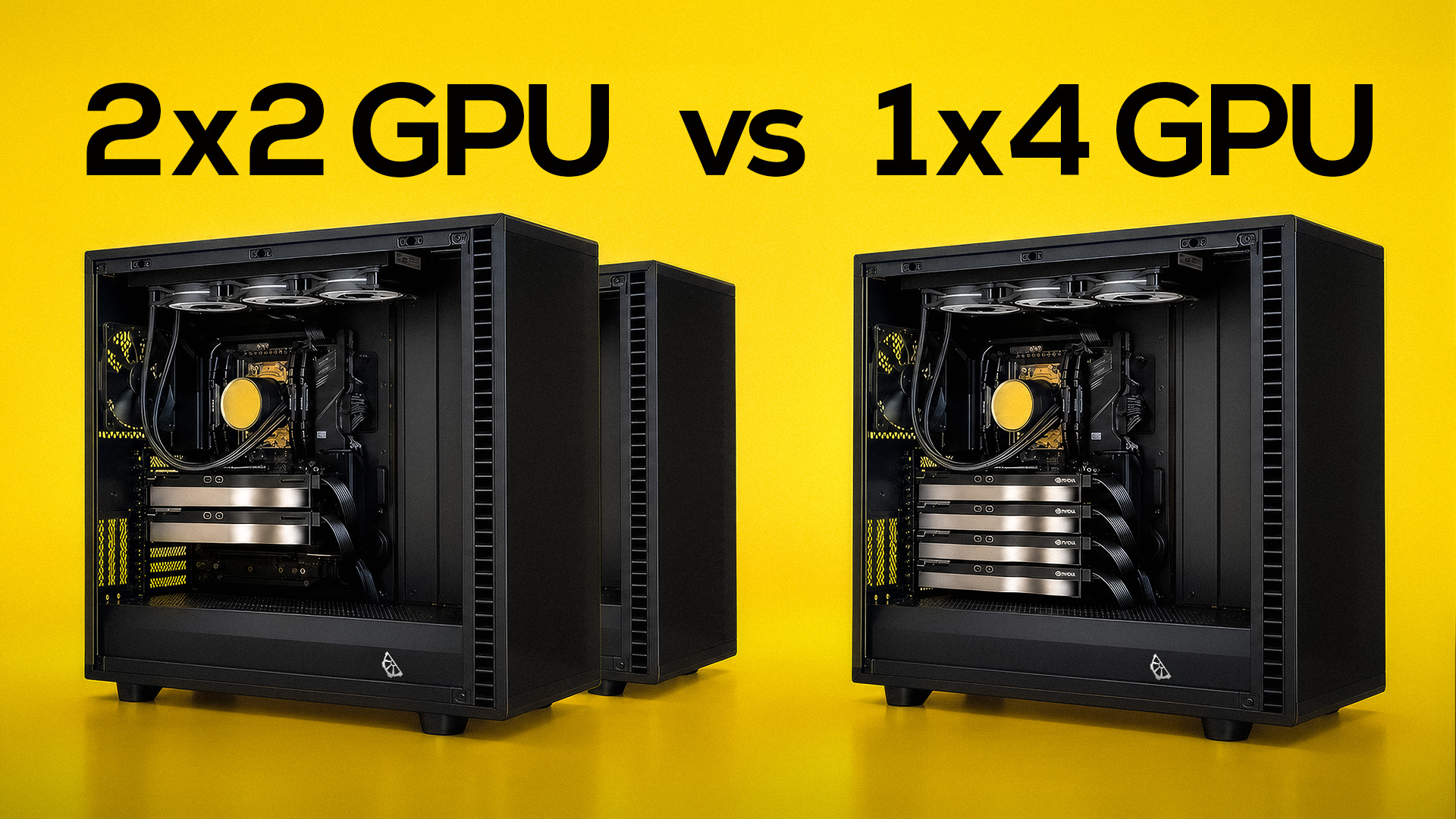
We recently built two workstations for the same client, both part of a single order. Each system packs an AMD Threadripper PRO 7975WX and a pair of RTX Pro 6000 Blackwell GPUs. That is four elite GPUs in total.
Looking at the build sheet, the obvious question pops up: why split four cards across two separate machines instead of packing all four into one massive rig?
It might look like we are splitting efficiency, but the choice is entirely intentional. This setup is the starting point of a GPU cluster, and deciding between one massive machine or two smaller ones completely changes how your hardware operates.
Scale Up vs. Scale Out
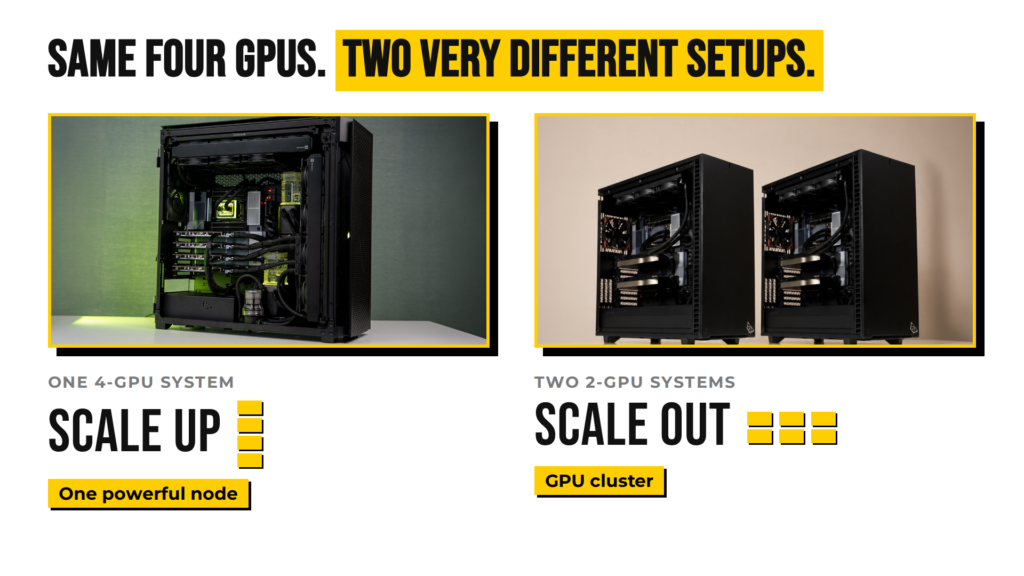
When you pack all four GPUs into a single chassis, you are scaling up. You are maximizing the horsepower of a single node. Building two separate workstations and linking them over a network is scaling out. You expand total operational capacity instead of concentrating everything in one box.
Neither approach is universally better. They simply solve different engineering problems.
When One Big Node Makes Sense
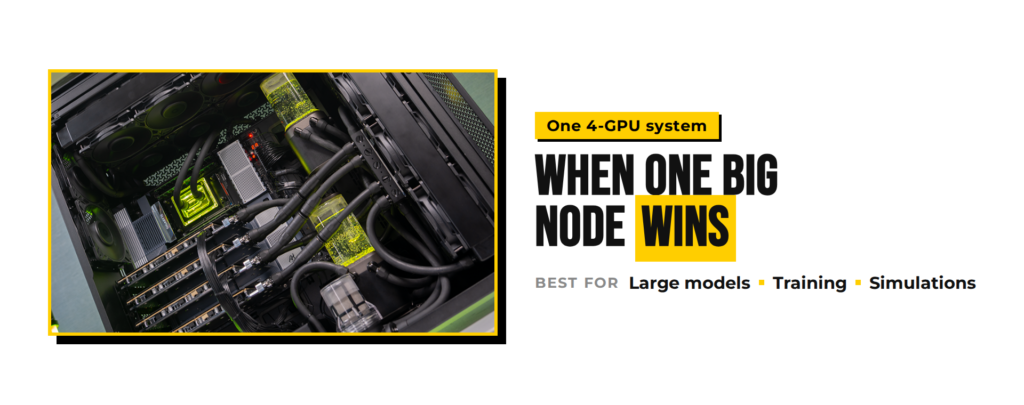
Scale up when a single job requires all four cards to talk to each other constantly. When a massive model exceeds the memory of one or two cards, you split it across four. Because those GPUs share a motherboard, they communicate directly over PCIe slots. That is the shortest, fastest data path available. It is ideal for large-scale training runs and heavy simulations where inter-GPU bandwidth is critical.
A quick reality check: four 96GB GPUs do not function as a single 384GB pool of memory. If you copy the model onto each card, you handle more concurrent requests. If you split the model across cards, you fit a larger model.
Single-node builds are also simpler and cheaper per GPU. You pay for one CPU, one motherboard, and one memory pool. The trade-off is concentrated heat and risk. Four RTX Pro 6000 cards draw around 2,400 watts on their own, creating a serious thermal challenge. Plus, if that machine goes down, your entire GPU capacity goes offline with it.
When a Cluster Wins
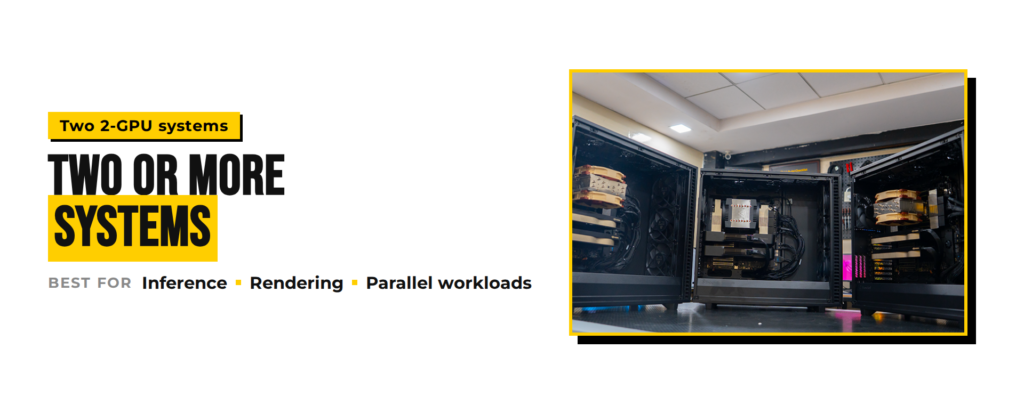
Scale out when your workloads can run independently. You might run a production model on node one while fine-tuning on node two. Or host a text model on one rig and image generation on the other.
Clustering gives you resilience and flexibility. If one machine needs maintenance, the second node keeps working. You can isolate users, split traffic, or add a third node down the line without disrupting existing operations.
The downside is infrastructure cost. You double the CPUs, motherboards, RAM, and OS licenses. You also introduce networking overhead and scheduling software. If a single task ends up spanning both nodes anyway, data has to travel across network cables rather than internal PCIe lanes, slowing things down.
Get in Touch
Architecture decisions like this carry a heavy price tag. Matching your hardware topology to your actual workflow prevents costly mistakes before you drop lakhs on high-end hardware. If you are balancing a similar deployment and need to map out the right layout, reach out to our team to talk through your specs.