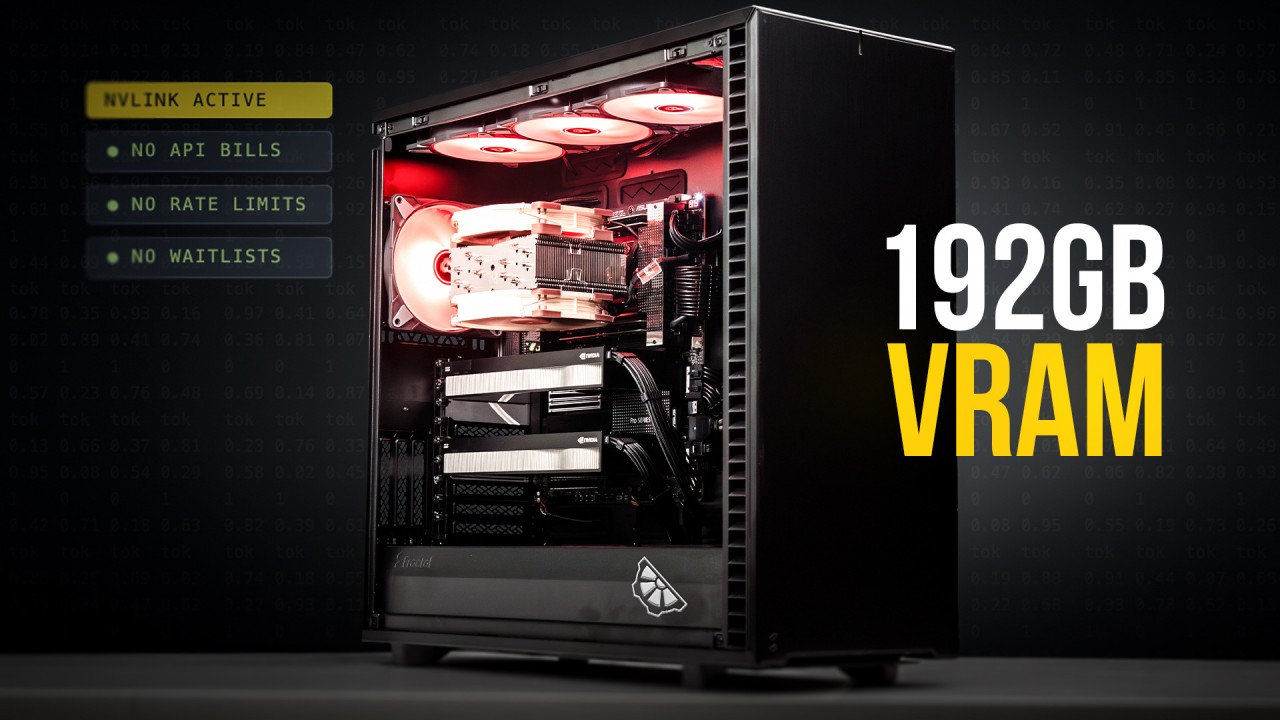
A year ago, running a serious AI model locally meant renting a rack of H100s or paying someone else for access to theirs. But today, it fits on a desk and if you don’t want to be held back by the cloud, it’s become the default option.
This is a breakdown of a workstation we built specifically for that – local inference and fine-tuning, no cloud dependency, no per-token bills. Here’s what’s inside, why we made each call, and what it actually does under load.
The build
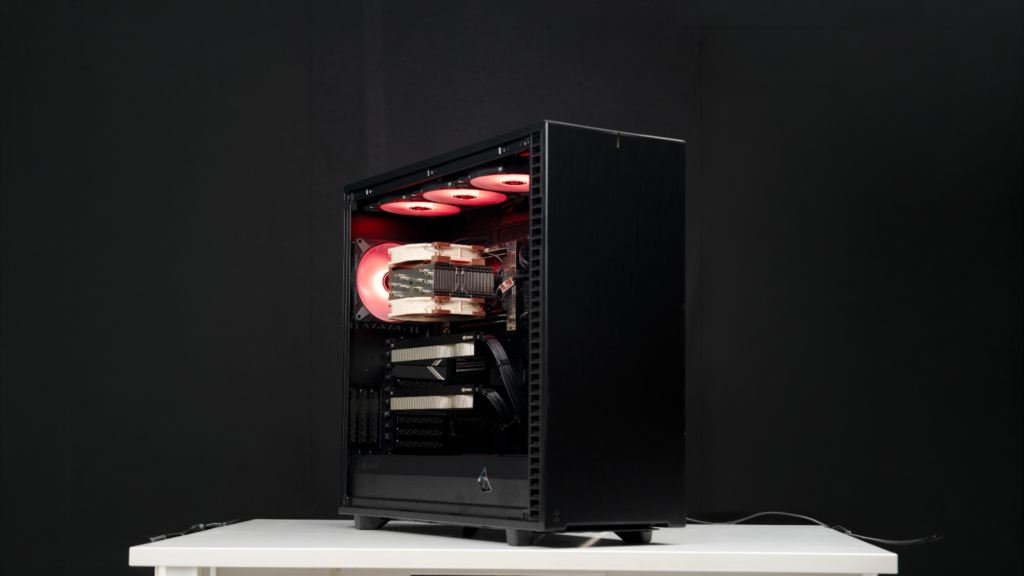
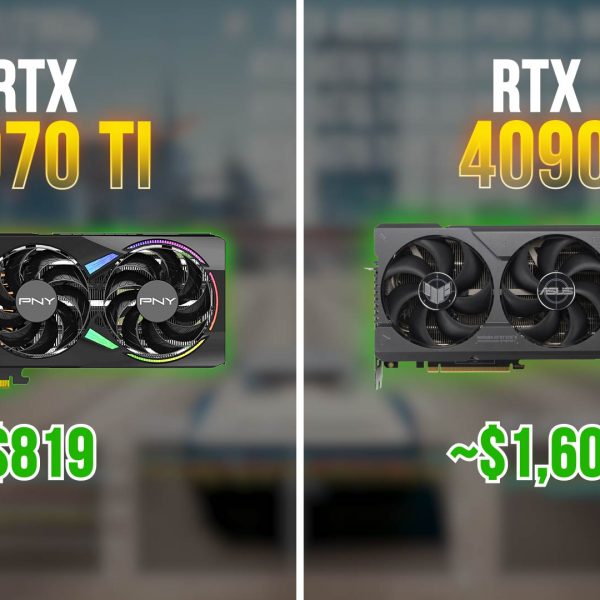
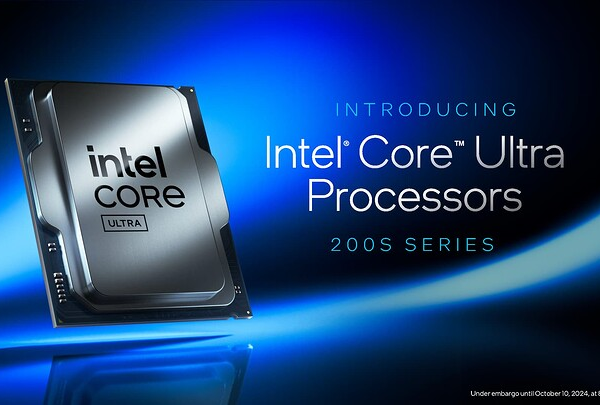
The CPU is a Threadripper 9960X – 16 cores, made for workstation workloads. 128GB of DDR5 RAM running at 5400 MHz. The GPUs are two RTX Pro 6000 Blackwell Max-Q cards. Each one carries 96GB of VRAM and 1.8 terabytes per second of memory bandwidth being used fully on the threadripper platform.
We also didn’t use the standard Workstation Edition of the same card. The reason is simple: the standard version pulls 600 watts per card. Two of those means 1,200 watts of GPU power draw alone, before you count anything else in the system. That’s a power delivery problem that changes the class of build you’re doing.
The Max-Q variant pulls 300 watts per card. Two cards, 600 watts total for both GPUs. You give up roughly 12% peak compute. For heavy training workloads, that’s worth discussing. For inference – which is limited by memory bandwidth, not raw compute – you give up almost nothing. So keeping heat and power in mind with this being in an office environment, Max-Q is the right call.
Why 192GB of VRAM changes things
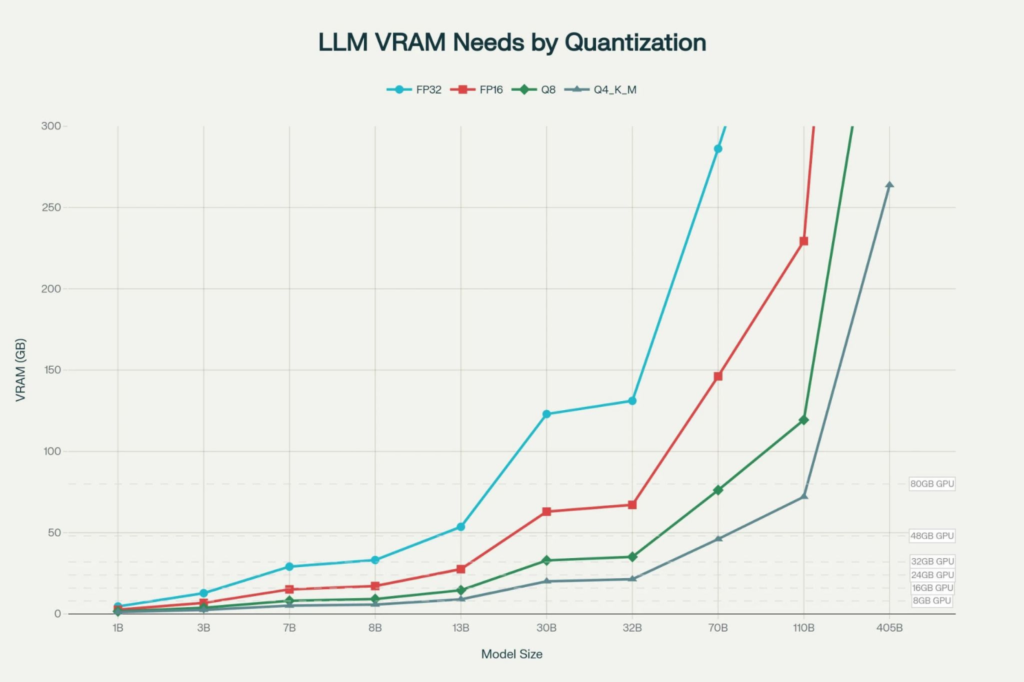
Most people working in this space have hit the memory wall at some point. You try to run a model, check the memory requirement, and you’re either compressing it down until quality suffers or splitting it in ways that slow everything down.
Two cards at 96GB each gives you 192GB of VRAM. That number moves the limit so far out that most open models available today don’t come close to filling it.
And tools like LM Studio or vLLM let you push part of the model into system RAM when you need extended context. With 128GB of fast DDR5, that’s real room to work with. On every test we ran, we maxed out the context window with full GPU offload – no overflow into CPU memory at all.
What the numbers looked like
We ran three models.
Qwen3 Coder Next – 80 billion parameters. Despite the parameter count, this is a sparse model – it only activates about 3 billion parameters per token during inference. VRAM load: 29GB on one card, 28GB on the other. Speed: 140 to 155 tokens per second. Time to first response: 3.77 milliseconds. Honestly, even on a single card this would still feel instant. But we wanted to test something denser.
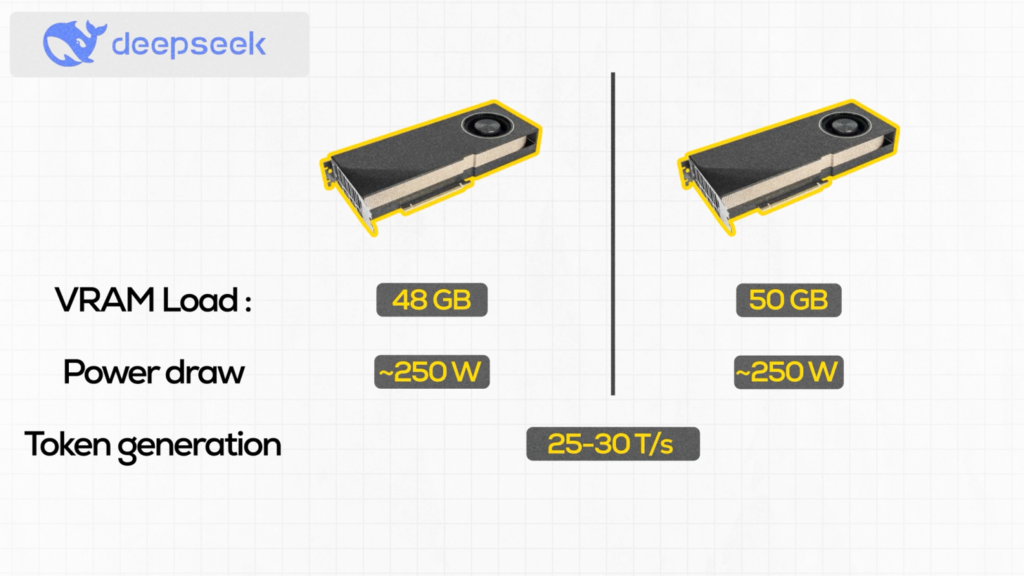
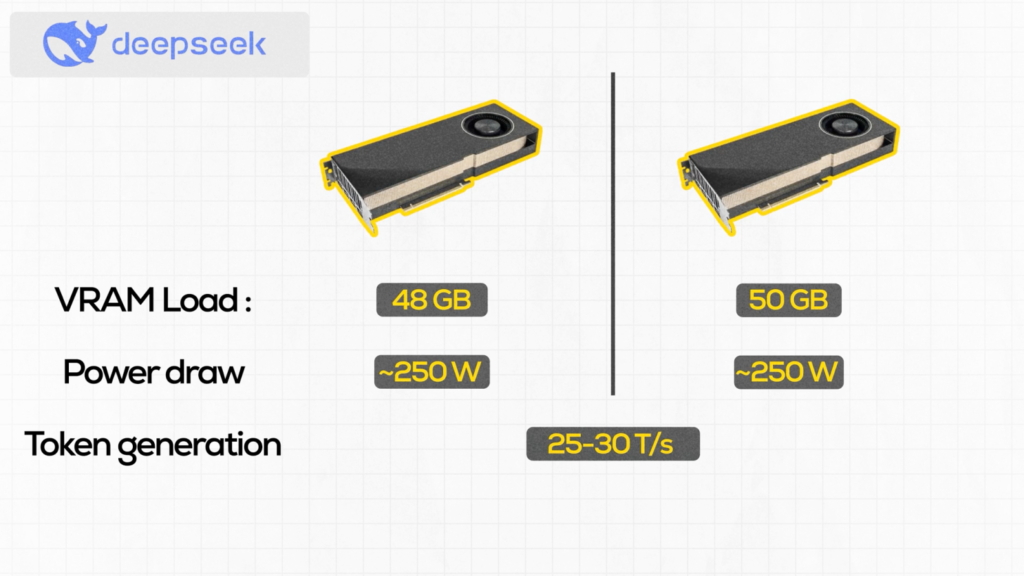
DeepSeek R1 Distill 70B. This is a dense model – every one of those 70 billion parameters is active on every token. VRAM load: 48GB on one card, 50GB on the other. Nearly the full combined capacity of both cards. Speed dropped accordingly: 25 to 30 tokens per second. Time to first token: 0.58 seconds. Slower, but that’s the physics of dense architecture, not a hardware problem.
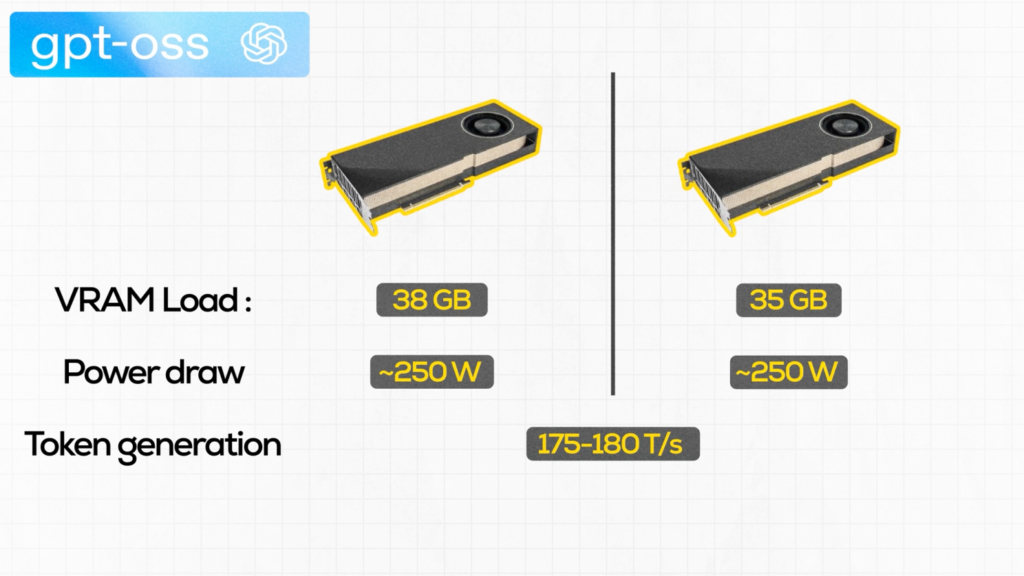
GPT OSS 120B. Mixture-of-experts architecture, so despite having 120 billion total parameters, only a fraction are active per token. VRAM load: 38GB on one card, 35GB on the other – lighter than DeepSeek despite being 50 billion parameters larger on paper. Speed: 175 to 180 tokens per second. Which tells you a lot about why the headline parameter count is not the entire story.
For all three tests we maxed out the context window. The system pulled RAM in to handle context cache while the model weights stayed on GPU. In most real workloads you wouldn’t push context that hard, so normal usage will look cleaner.
Who its actually for –
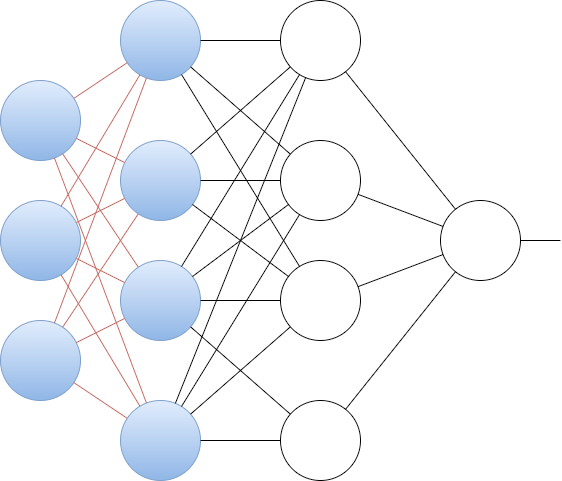
Inference is one half of the story.
Fine-tuning a 7 to 13 billion parameter model on a single Pro 6000 is straightforward – 96GB of VRAM, reasonable batch sizes, no compromises. Push into 100 billion parameter territory and two cards put you in a range that required a rented cluster until fairly recently.
More scenarios where an on prem solution makes clear sense:
- You’re handling sensitive data and sending it to a cloud API is a compliance issue. Healthcare, legal, finance – the data doesn’t leave your building.
- You’re building a product that needs local inference with latency requirements the cloud can’t reliably meet.
- Or you’ve done the math on per-token costs and the owned hardware pays for itself inside 18 months at your usage levels.
The cloud isn’t going anywhere. But for a growing number of real workloads, local is no longer the harder option.
Get In Touch
If you’re seriously considering a workstation at this level, you’re not the first. ISRO, the Geological Survey of India, university labs, and AI startups across the country have made the same call. We ship every build with a 3-year doorstep warranty across 220+ cities.Talk to us.