If you’re currently shopping for a workstation with multiple GPUs, you’re likely trying to linearly scale your workflow by loading bigger models or cutting render times.
However, we frequently see custom multi-GPU builds fall far short of expectations. We see that three GPUs are pegged at 100%, while the fourth sits idle, waiting.
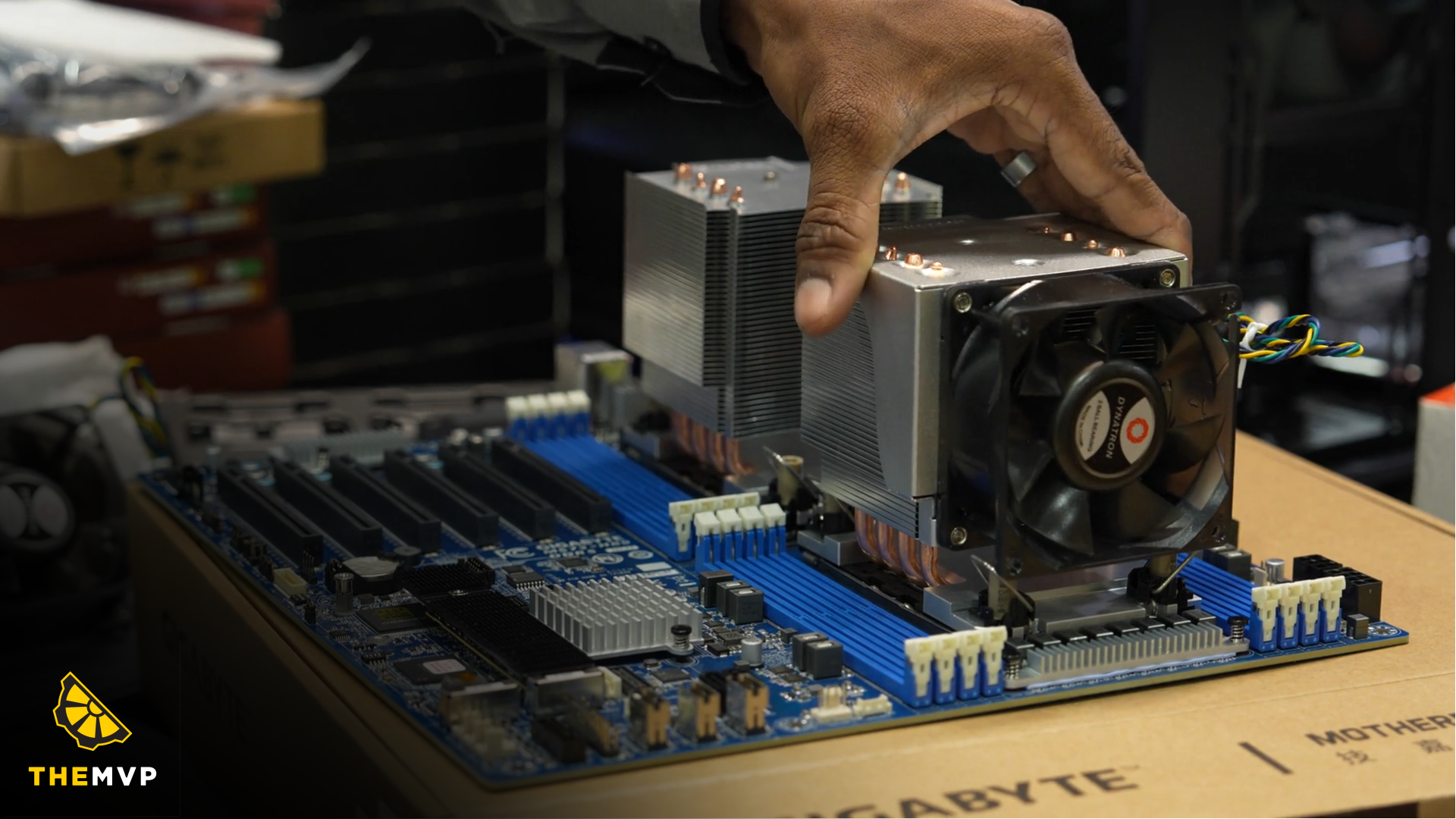
The culprit usually isn’t a faulty graphics card or bad software drivers, it’s that the system was built on a motherboard and CPU platform that simply doesn’t have the PCI-E lanes or Capacity to feed four GPUs simultaneously.
Here is what you need to know about PCIe bandwidth before spending on a quad-GPU setup.
What Exactly Is a PCIe “Lane Budget”?
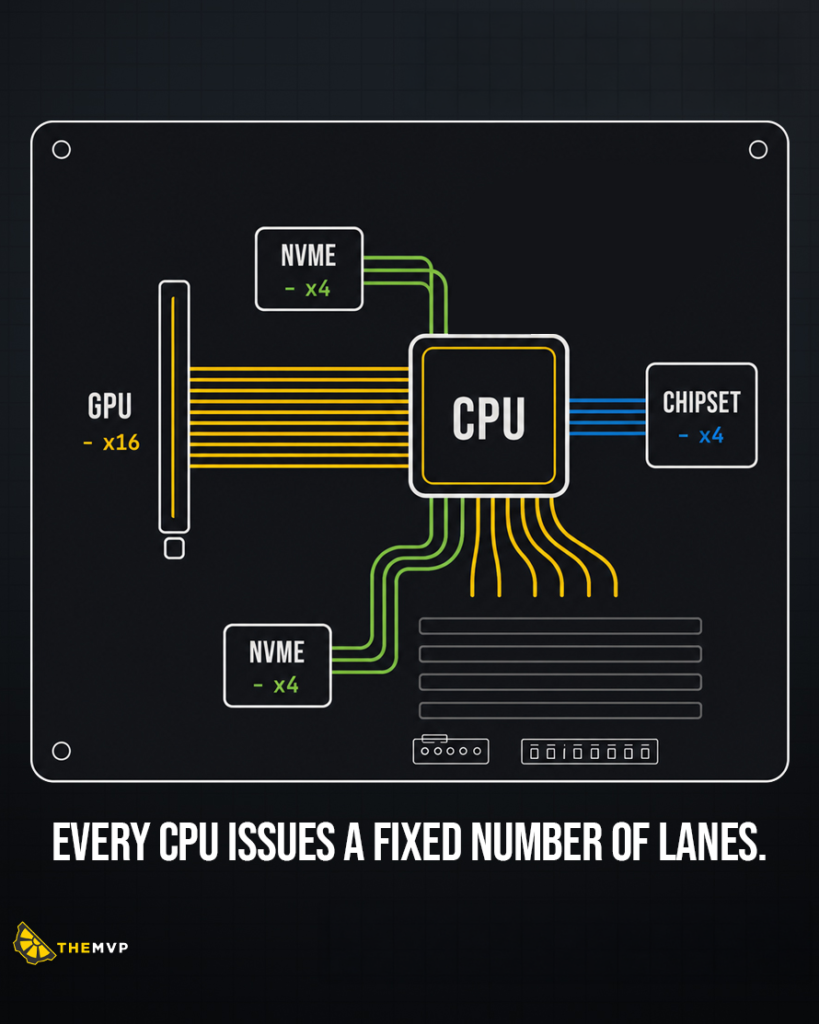
Think of PCIe lanes as lanes on a high-speed highway connecting your expansion cards and storage directly to the CPU. The more lanes you have, the more data can travel back and forth simultaneously without traffic jams.
Every CPU has a fixed lane budget hardwired into its architecture. You can’t simply keep plugging in graphics cards and NVMe drives expecting the motherboard to magically create bandwidth out of thin air.
Here is how a standard consumer CPU budget of 24 PCIe lanes quickly vanishes:
- Primary GPU Slot: 16 PCIe lanes
- First NVMe SSD: 4 PCIe lanes
- Second NVMe SSD: 4 PCIe lanes
Add those up, and your 24-lane budget is completely maxed out.
And now if you try adding a second, third, or fourth graphics card on a consumer motherboard, the system has to split (bifurcate) those existing lanes. Your primary X16 GPU lane slot drops down to X8 or X4 lanes, cutting throughput to your GPUs in half or worse.
PCIe Lanes Are a Platform Decision
Because lane budgets are locked to the processor architecture, deciding how many GPUs you want to run isn’t just about picking a motherboard, it’s choosing a platform.
Different workloads require different hardware tiers:
1. Consumer Platforms (AMD Ryzen 9 / Intel Core Ultra 9)
- PCIe Lanes: ~24 Lanes
- Max Practical GPUs: Up to 2 GPUs (typically running at reduced $x8/x8$ speeds)
- Best For: Single-GPU workflows, light 3D rendering, and entry-level model inference. Bandwidth drops rapidly if you add high-speed storage.
2. Workstation / HEDT Platforms (AMD Threadripper / Xeon Series)
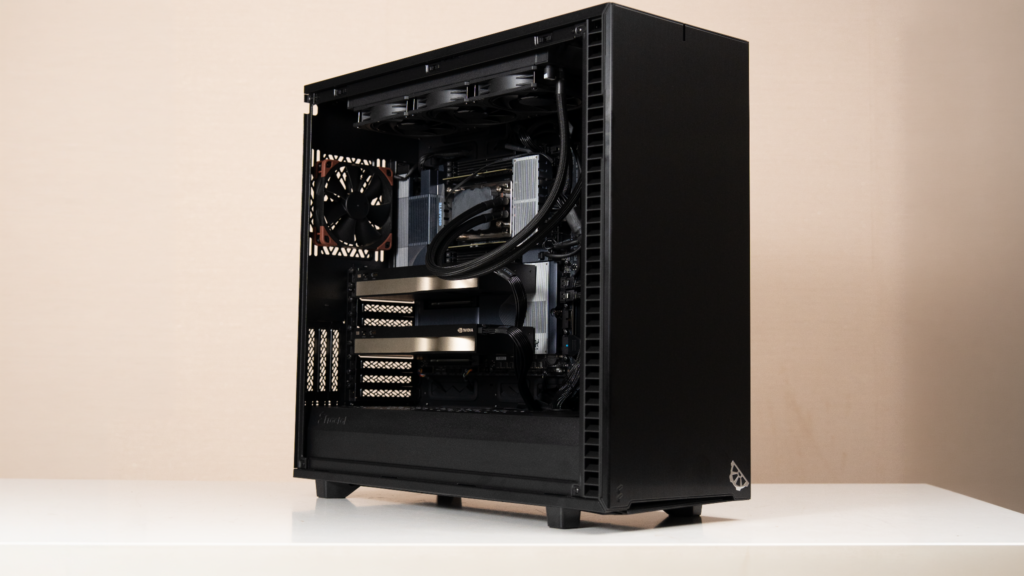
- PCIe Lanes: Up to 128 PCIe 5.0 Lanes
- Max Practical GPUs: Up to 4 Dual-Slot GPUs at full $x16$ bandwidth
- Best For: Heavy multi-GPU 3D rendering, local AI model training, and massive NVMe RAID storage arrays. Every card gets dedicated, unthrottled communication with the CPU.
3. Enterprise Platforms (AMD EPYC Series)
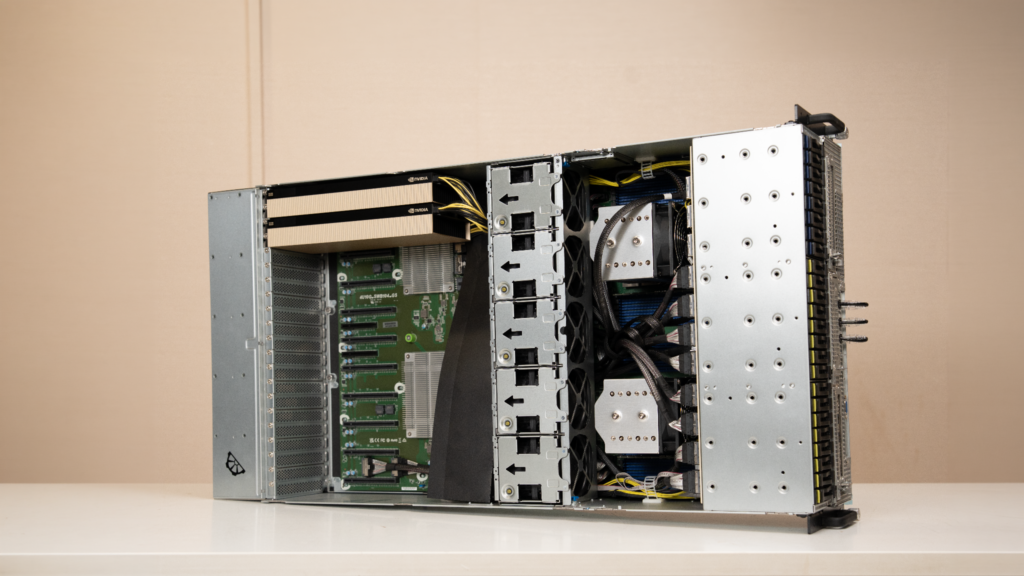
- PCIe Lanes: 128+ PCIe 5.0 Lanes
- Max Practical GPUs: Up to 8 GPUs
- Best For: High-density datacenter environments, large-scale LLM training clusters, and enterprise inference servers.
The Real Cost of “GPU Starvation”
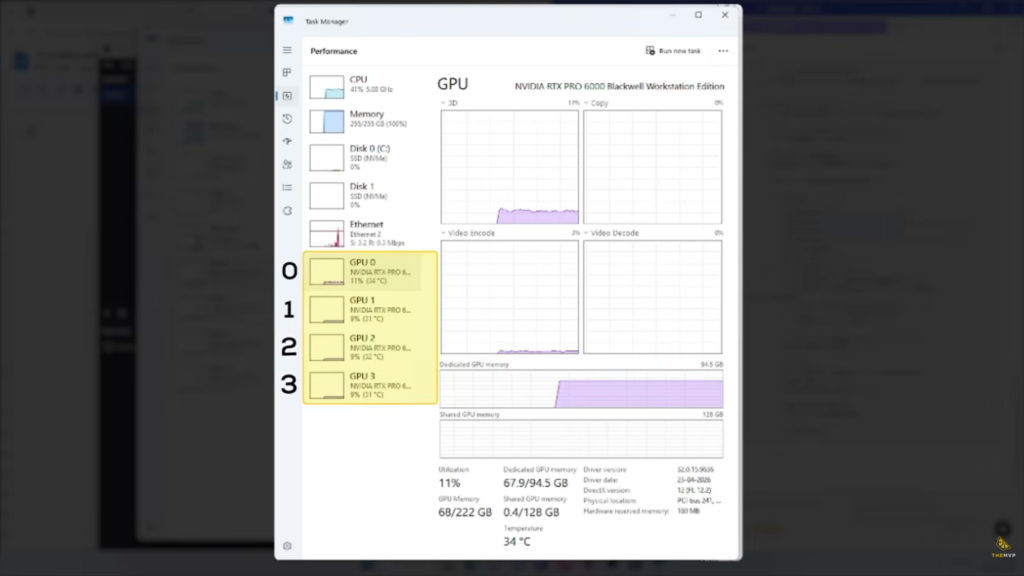
What happens when you force four powerful GPUs onto a motherboard platform that can’t feed them enough lanes?
You get GPU starvation.In distributed machine learning jobs (like PyTorch tensor transfers) or complex 3D scenes (like texture swapping in Redshift), GPUs constantly communicate across the PCIe bus. When the bus is congested, GPUs spend precious processing cycles sitting idle, waiting on data packets.
In a starved 4-GPU system, it’s common to see three GPUs actively computing while the fourth sits in traffic (“WAITING ON PCIE”).
That single bottleneck can slash overall system efficiency by 25% or more.
Considering high-end workstation GPUs can cost anywhere from ₹2 Lakh to ₹4 Lakh+, losing a quarter of your system’s bandwidth means you paid for an elite graphics card just to watch it do nothing.
Build for Your Workflow
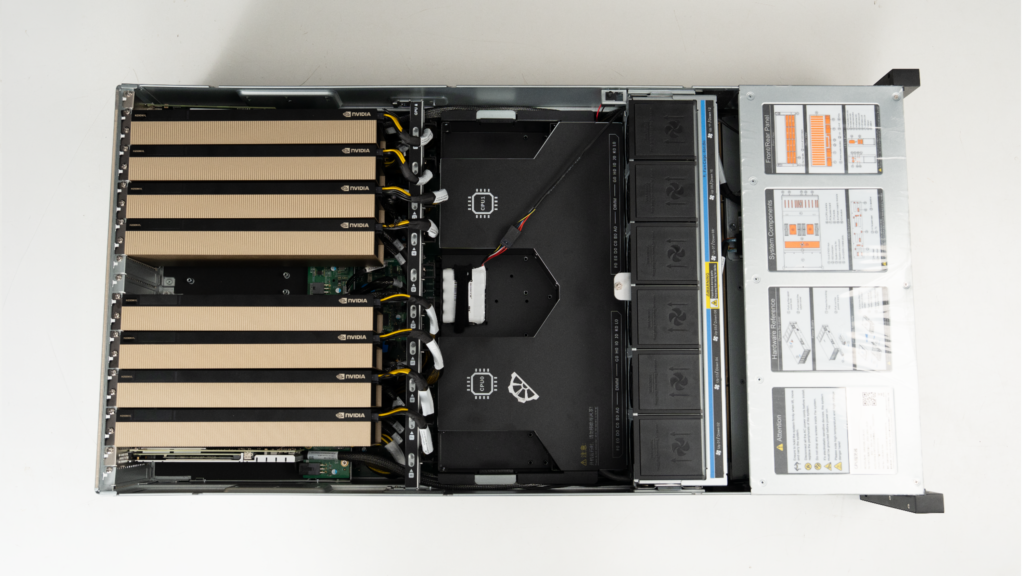
Building an optimized multi-GPU system requires balancing CPU socket capabilities, lane topology, power distribution, and thermal management so that every piece of hardware performs at 100%.
Whether you are fine-tuning 70B parameter open-source models or rendering complex visual effects pipelines, your hardware should not throttle your productivity.
Need Help Choosing the Right Configuration?
At TheMVP, we’ve spent over 10+ years engineering tailored workstation configurations for demanding AI, machine learning, and 3D visualization workflows across 220+ cities. Every system we build is designed for zero bottlenecks and backed by a 3-Year Doorstep Warranty.
Don’t let a motherboard bottleneck limit your hardware potential. Talk to an Expert at TheMVP to configure the ideal, unthrottled multi-GPU system for your work.