
Can your regular home gaming PC run a large language model without the internet? Absolutely. And for the first time, it’s not a gimmick, it’s actually usable. What once demanded server-grade GPUs with massive VRAM is now possible on consumer hardware.
Can your regular home gaming PC run a large language model without the internet? Absolutely. And for the first time, it’s not a gimmick, it’s actually usable. What once demanded server-grade GPUs with massive VRAM is now possible on consumer hardware.
Why GPUs Made Local AI Possible
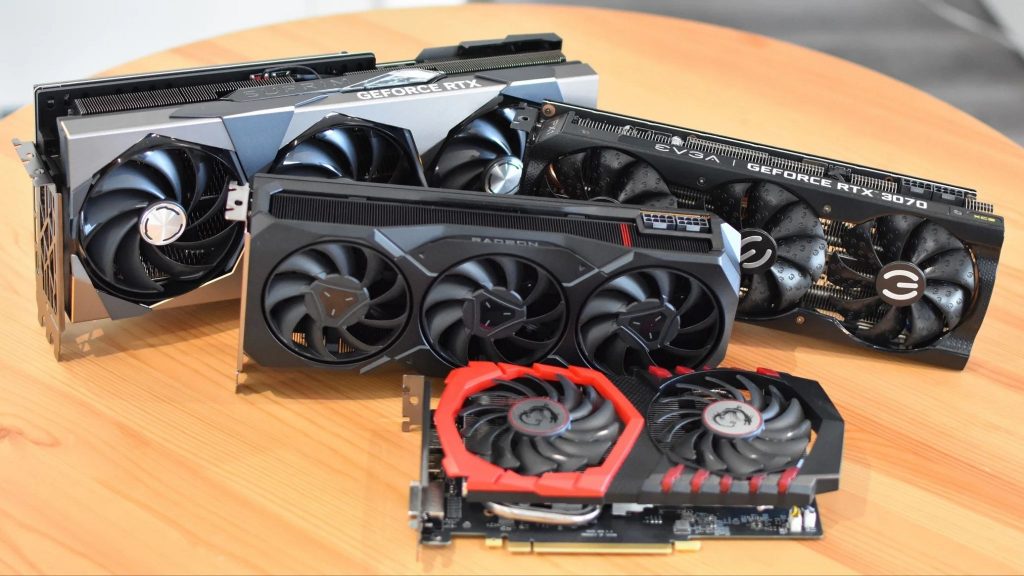
Modern AI workloads thrive on parallel computation and large memory pools. That is exactly what GPUs are built for. CPUs struggle with this type of work. GPUs excel at it.
For years, the biggest blocker to running large models locally wasn’t computation, it was memory. High-end models needed hundreds of gigabytes of VRAM. Consumer GPUs simply couldn’t hold them.
That changed with quantization.
Quantization: The Breakthrough That Changed Everything
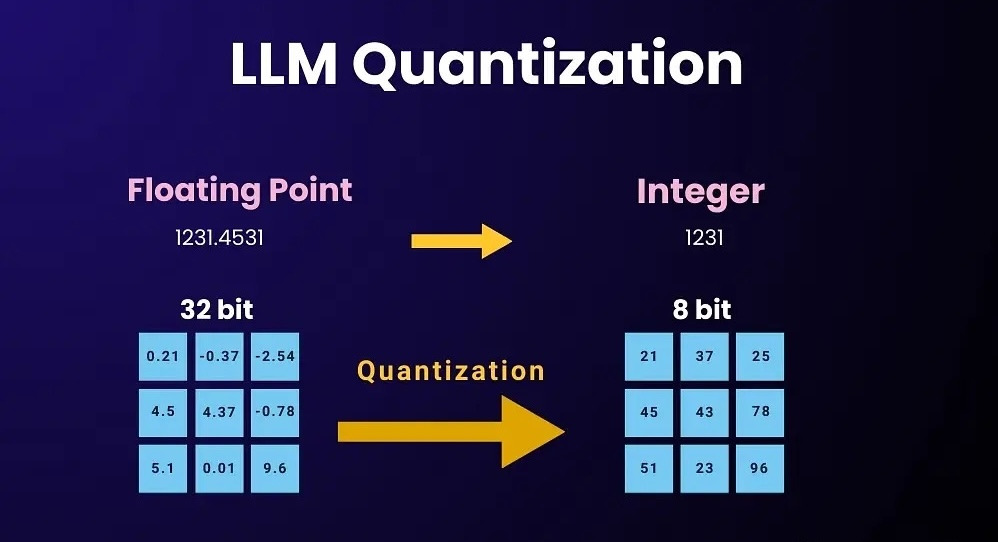
Quantization compresses model weights from 16- or 32-bit precision down to 8-bit, 4-bit, or even FP4. This cuts memory usage dramatically while preserving most of the model’s intelligence.
The result:
- Models that once required enterprise hardware now fit on consumer GPUs.
- Inference becomes fast enough to be usable on desktop systems.
This single technique is what unlocked practical local AI.
How Local LLMs Are Actually Benchmarked
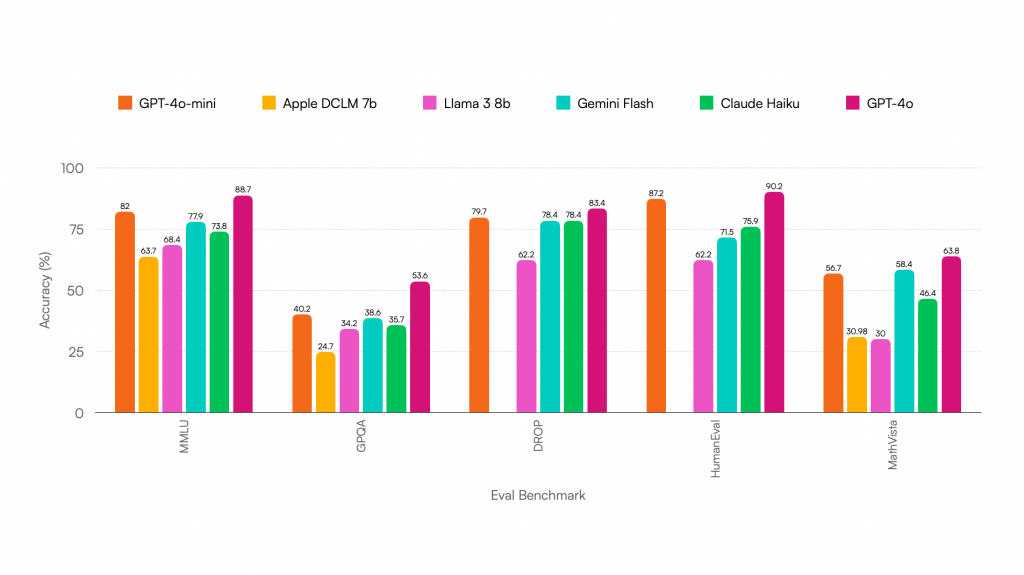
Local models aren’t judged like cloud chatbots. They’re measured like performance software:
- Tokens per second – Output speed. Think of it as AI “frame rate.”
- Latency – The pause between pressing Enter and seeing the first word.
- Context window – How much the model can remember in one session.
- Accuracy – Especially critical for coding and math.
- Efficiency – VRAM usage and compute demand.
- Quantization level – How compressed the model is.
Lower precision = faster and smaller, with some accuracy trade-off.
Practical Requirements for Local AI
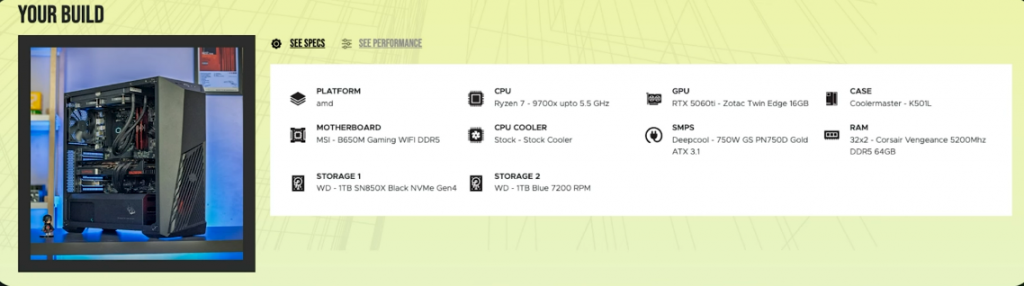
For 20B-class models (real-world usable):
- GPU: 16GB VRAM minimum
- RAM: 32GB minimum, 64GB recommended
- CPU: Ultra 7 or Ryzen 7 minimum
- Optimal setup: Ryzen 9 9900X + 64GB RAM + 16GB VRAM GPU
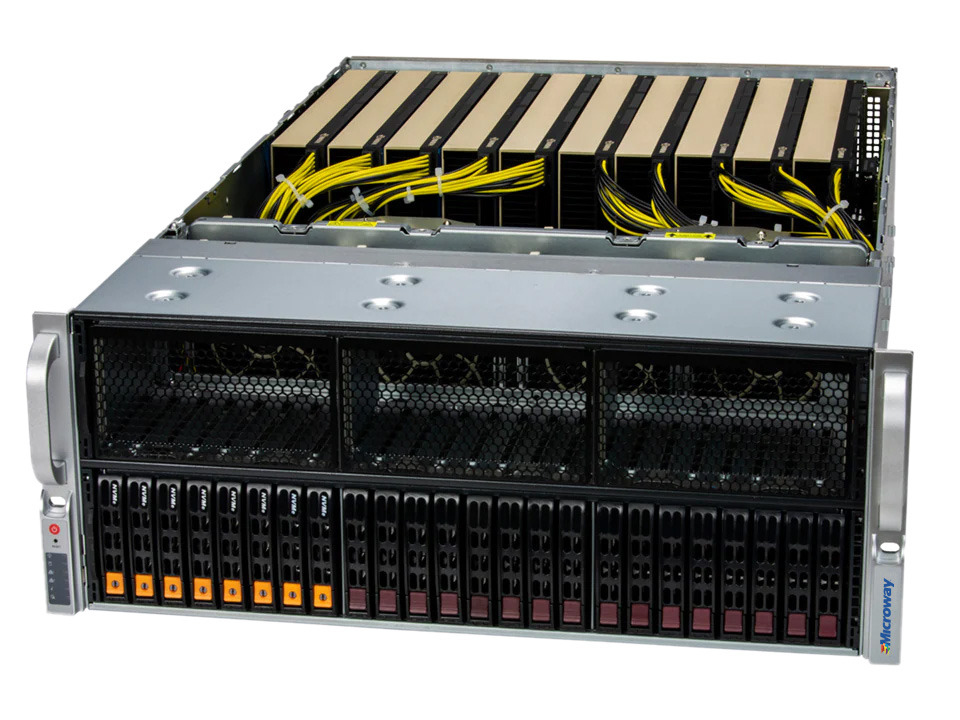
For 120B-class models (practical use):
- GPU VRAM: ~80GB
- This pushes you into professional workstation hardware
What This Actually Changes
Local AI is no longer an experiment. It’s now a legitimate deployment option on consumer systems. That means:
- No cloud dependence
- No data leaving your machine
- No subscriptions
- Full control over models and workflows
- Predictable performance and privacy
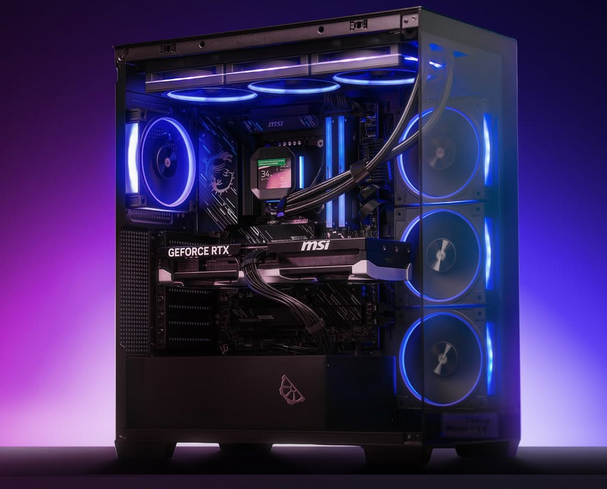
Your gaming GPU is now a local AI engine.
Bottom Line
Running large language models locally is no longer reserved for data centers. Thanks to quantization and modern GPUs, real AI workloads now run on consumer PCs at usable speeds. Server-grade VRAM is no longer a hard requirement. Local AI has officially entered the desktop era.