Somewhere on the PCB of an RTX 6000 Pro Blackwell is a small HDMI connector. If it snaps while you’re fitting a waterblock, the replacement part does not exist. That’s a ₹10 lakh mistake with no undo button.
We had to not-snap it four times.
Every once in a while a requirement comes in that makes you stop and ask what’s actually possible inside a single chassis. This was one of those. To our knowledge, this configuration has never been built in India before.
Here’s the full story: what it is, what it unlocks and who actually needs one.
The Configuration
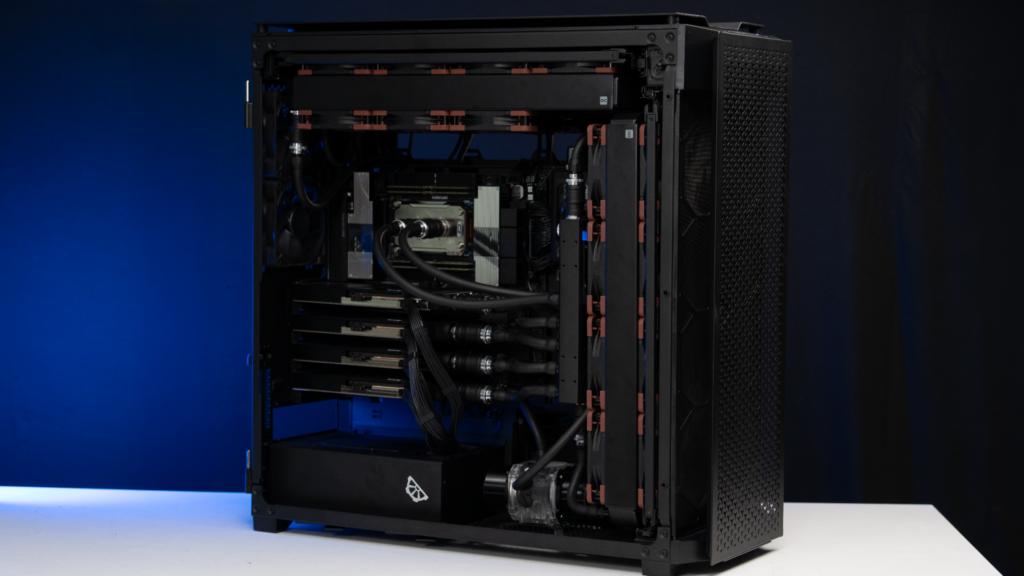
- CPU: AMD Threadripper Pro 9975WX
- Motherboard: ASUS WRX90E-SAGE SE. This was chosen for one reason: maximum PCIe bandwidth to every card without compromising on anything.
- RAM: 256GB DDR5 ECC
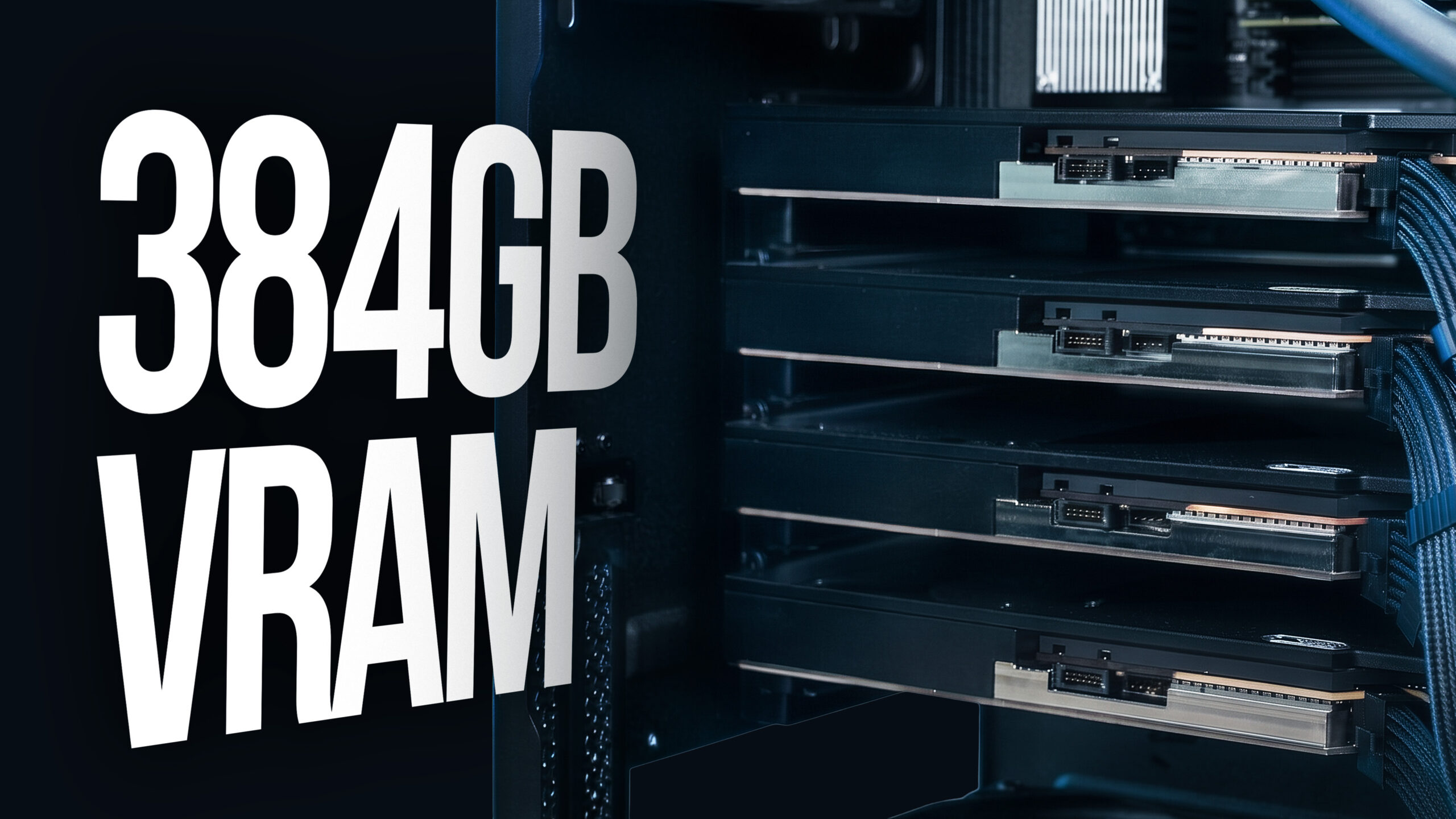
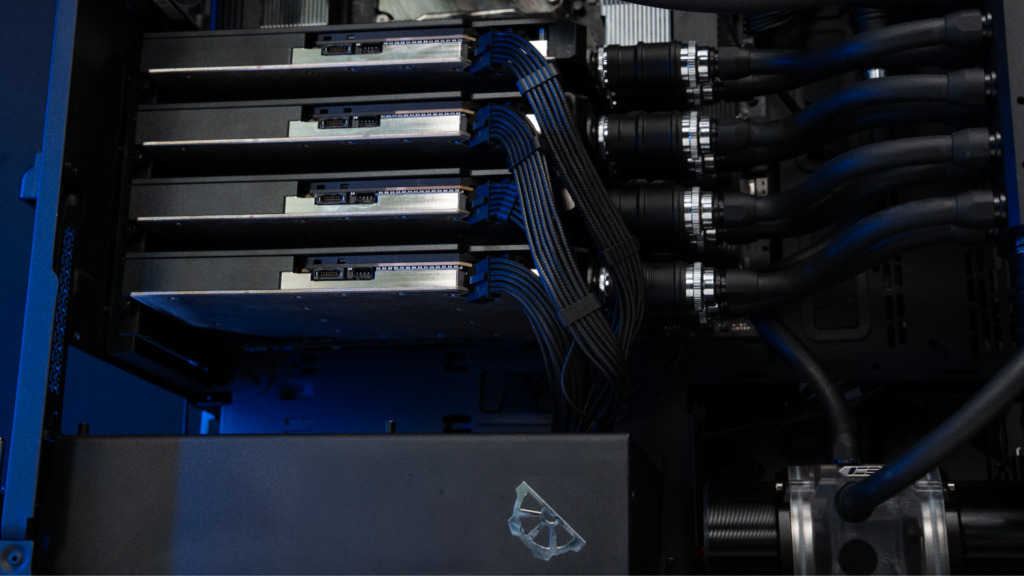
- GPUs: Four NVIDIA RTX 6000 Pro Blackwell, 96GB each Totalling – 384GB of VRAM in total.
- Power: 3000W primary PSU + 1000W SFX secondary
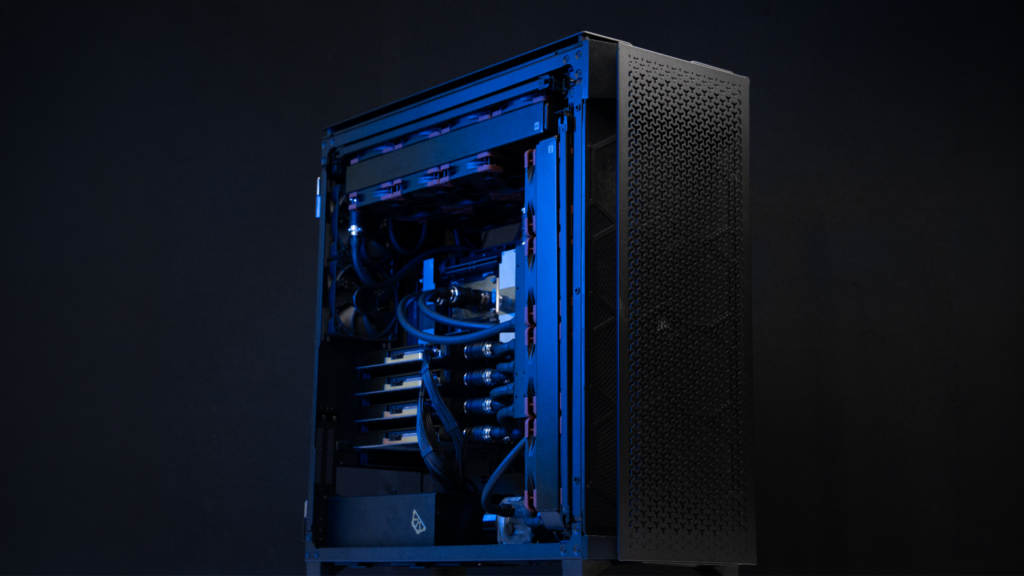
- Cooling: Full custom loop with GPU blocks, CPU block, fittings, radiators, quick disconnects, all imported.
The spec sheet sure is impressive, but it isn’t the point. This machine was purpose-built for one job: AI inference, running continuously at scale.
What 384GB of VRAM Actually Unlocks
Most people working in AI have hit the wall at least once. You see a model online, check the size, look at your VRAM, and do the math. Then… you start making compromises – quantization, splitting awkwardly across GPUs, or just rent cloud time and move on.
384 gigabytes removes that wall almost entirely.
What that actually means in practice: models in the 70-120B class run at full FP16 running exclusively in the VRAM without any precision tradeoffs. Even massive models like Llama 3.1 405B and Deepseek V3 run entirely in VRAM albeit at FP8/4-bit quantization. Running models at full precision can be useful for creating distilled models or custom LoRA workflows.
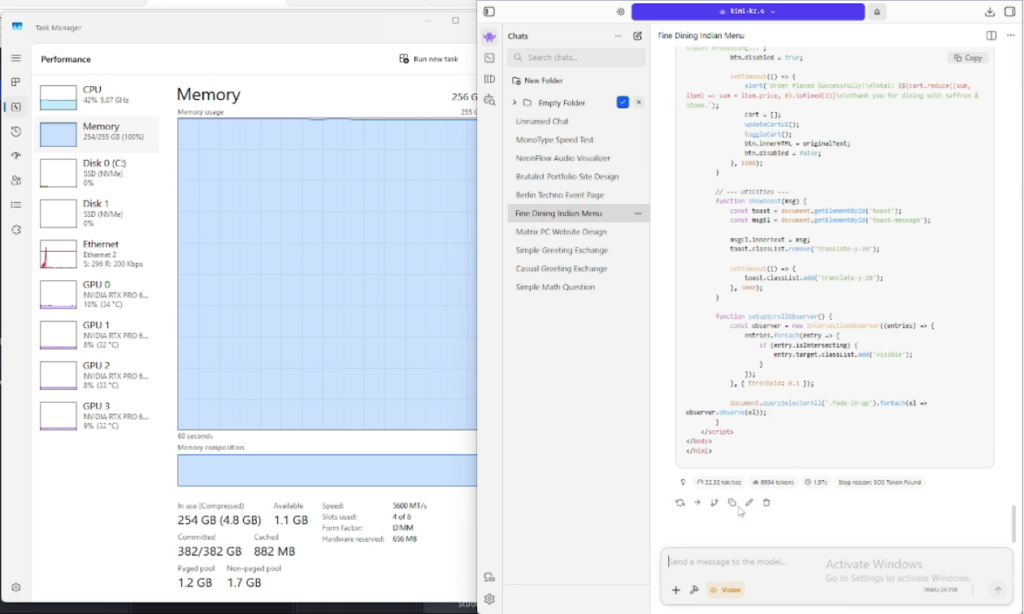
We also ran Kimi K2.6 on this machine – a 1 trillion parameter MoE model. On most setups, that doesn’t even enter the conversation. On this one, it ran locally. That’s probably the clearest way to describe what 384 gigabytes of VRAM actually means at the top end.
It also means you can run multiple large models simultaneously. A 70B model loaded alongside a 30B model, both resident in VRAM, switching between them without reload latency. For teams running multi-model pipelines or evaluation workflows, that changes how you architect the whole system. For example, using 2 models to review each other is a common practice to avoid hallucinations.
Who This Is Built For
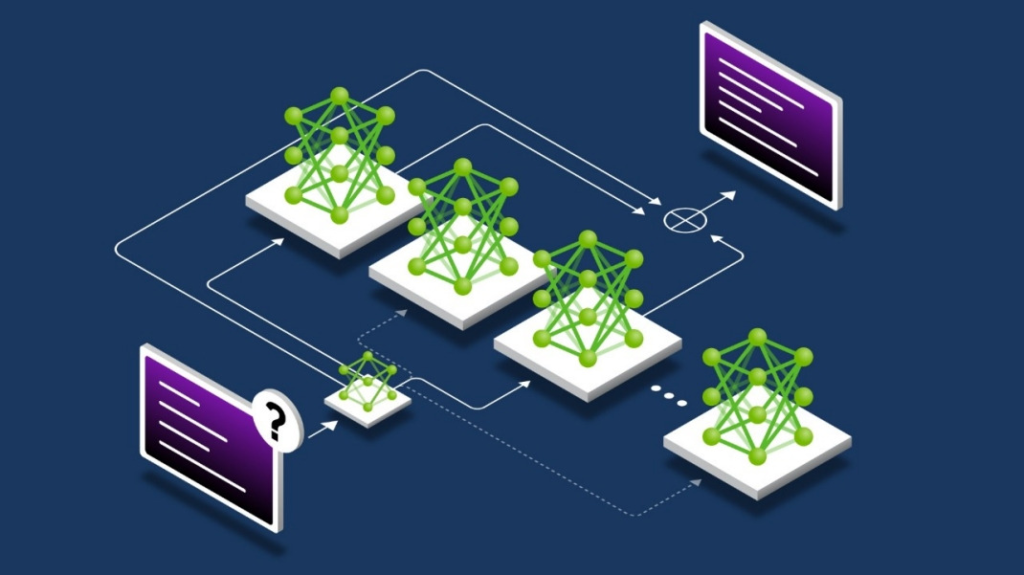
This machine was built for a team doing inference at scale. Which involved a lot of production inferencing, running continuously, across large models.
That’s a specific use case, and it pays to be precise about who actually needs something like this.
If your team is running a self-hosted LLM for internal tooling – a coding assistant, a document intelligence pipeline, a customer-facing AI product – and you’re currently either throttled by VRAM or paying cloud bills every month to compensate, this is the category of machine that solves that problem at the infrastructure level.
Or if you’re in AI research or model evaluation and you’re spending time managing quantization just to fit models into memory, that time has a cost. A machine with this much VRAM means your engineers finally have the time to think about the actual work.
And looking at the cost of this build – you might think if it’s even worth spending that much, But the larger question is – if it’s worth renting the computer equivalent of it indefinitely. We’ll get to that math in the next section.
The Cloud Cost Reality
The math is pretty simple once inference becomes a continuous workload.
A 4x A100 instance on Azure runs $14-15 per hour. That’s 85-90 lakh a year for hardware you don’t own, in infrastructure you don’t control, with your data leaving your building on every request. And the A100 only has 80 gigabytes of VRAM per card – you’d need H100 or H200 instances to get anywhere close to this machine’s memory capacity, which costs considerably more.
Beyond the monthly bill, waitlists, throttling, shared bandwidth, and lack of privacy – This machine has a fixed cost.
For teams running sustained workloads, break-even against cloud rental typically lands within two years. After that, every rupee stays with you.
What It Takes to Build This in India
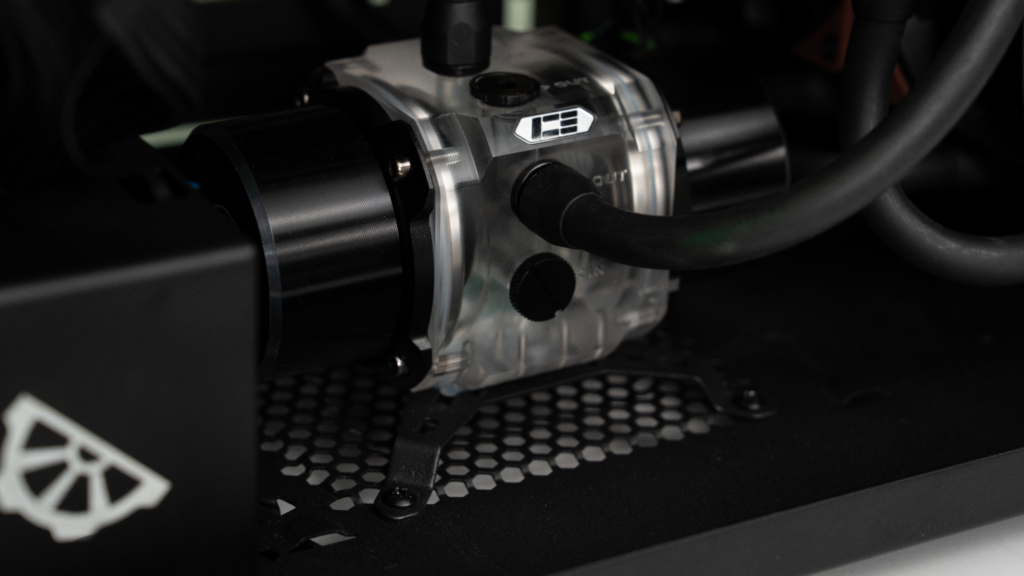
The 6000 Pro isn’t something you just order a waterblock for. You have to procure it overseas, then fully disassemble the card and fit the block yourself. And somewhere on that PCB is a small HDMI connector. If that snaps during installation, the part doesn’t exist to replace it. That’s a 10 lakh mistake per card with no way out. We had four cards to do this on.
So we imported the waterblocks. And since we were already importing, we figured – let’s just bring everything in. Fittings, radiators, quick disconnects, cables. More than half this cooling loop came from outside the country. The CPU block came from the same supplier – they sent us mounting screws for what felt like every socket ever made, except Threadripper. That one we had to chase down separately.
The client needed the machine quickly. Importing doesn’t care about that. So we waited, and so did they 🙁
Then there’s the power. Each card pulls up to 600 watts. The CPU pulls another 350. This system at full load draws more power than a 1.5 ton AC – except it needs to stay inside a cabinet. So we added 36 fans across two radiators.
To our knowledge, no one in India has built this exact configuration before. Not only because the parts don’t exist here, the process has basically NO MARGIN FOR ERROR.
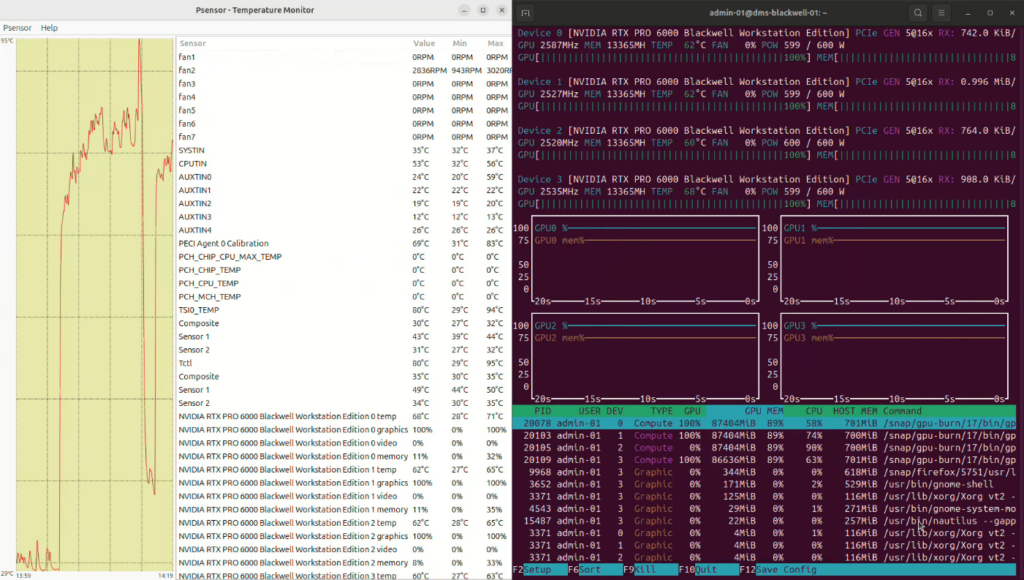
And when we finally stress tested it – full load, every component pinned at 100%, Linux environment, 2750 watts of cooling doing its job – the CPU topped out at 80-85°C and the GPUs didn’t even cross 70. For a system pulling this much power in a single cabinet, those are numbers worth talking about.
Worth a Conversation?
If you’re running AI workloads and cloud costs are starting to feel like a subscription you can’t cancel, hopefully this build has inspired you enough to finally take the step to ownership.
So whether you need a single inference workstation or thinking about what on-premises AI infrastructure looks like at your scale, we’ll figure out the right configuration for your workflow.
Link below or just drop us a message.
themvp.in | 1800 309 2944