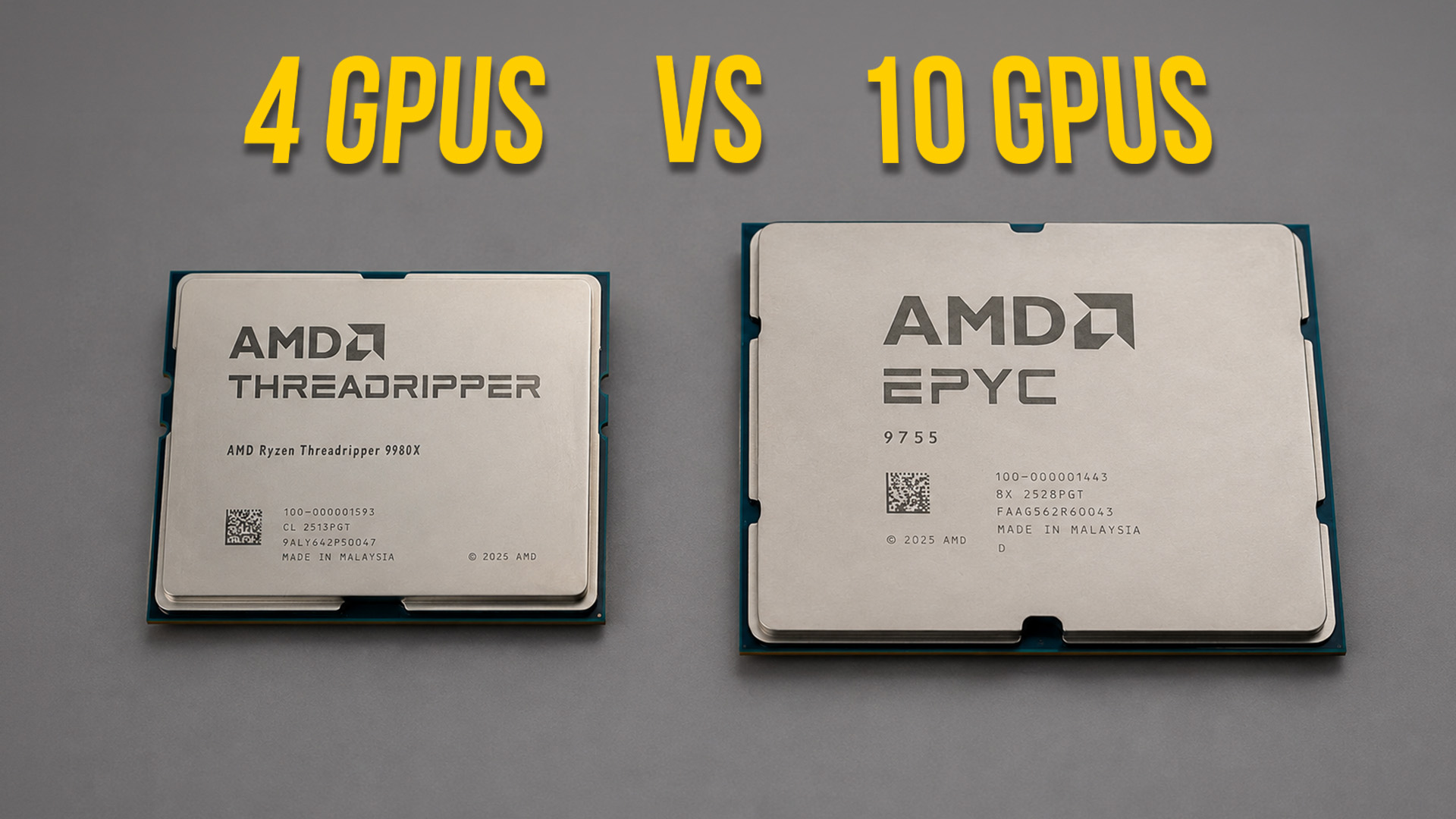
Choosing between Threadripper and EPYC when building a high-performance workstation or server is not as simple as picking the “faster” processor.
Today, we are diving into when you should opt for Threadripper, where its limits lie and when EPYC starts making sense without overspeccing.
Threadripper Territory
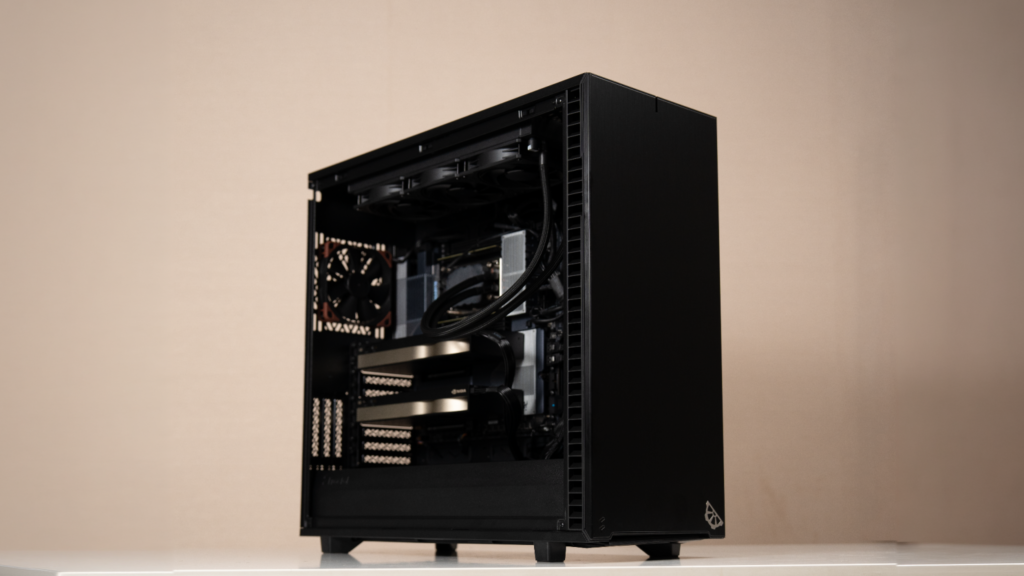
Threadripper is built for active, single-node workloads sitting directly under a user’s desk. It operates as an absolute powerhouse for CPU-bound tasks, specifically multi-threaded code compilation, complex engineering simulations like FEM and CFD, and preprocessing massive datasets before feeding them into deep learning models or even high production vfx pipelines.
- High Single-Core & All-Core Clocks: Threadripper CPUs maintain very high base and boost clock speeds. This high frequency keeps interactive software responsive so your developers are not stuck waiting on the UI.
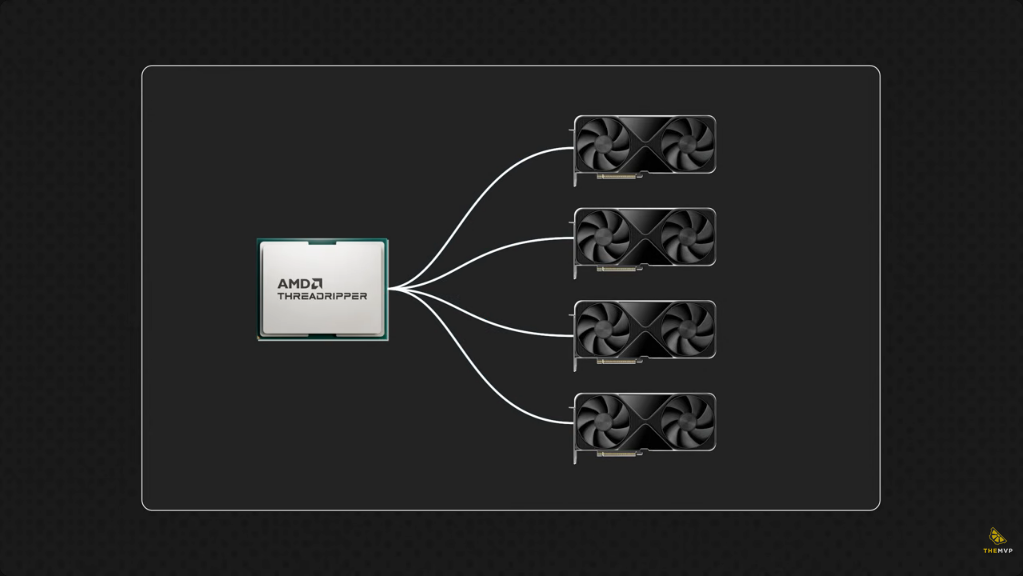
- Local Accelerator Support: With ample PCIe 5.0 lanes available on workstation platforms, you can load up to four high-end GPUs into a single chassis without performance degrading.
- Cost-Effective Prototyping: For AI teams testing code or running local inference, Threadripper provides massive local compute without incurring hourly cloud instance fees.
When you need more.
Threadripper shines for local prototyping, but as your operations scale toward production, the platform hits hard architectural boundaries:
- Memory Capacity Ceiling: Threadripper motherboards are physically capped at a hard ceiling of 2 Terabytes of RAM which might sound like a lot (and it is). But If you are hosting dense virtualization clusters or loading massive 70B+ LLMs entirely into system memory, that 2TB threshold can be limiting.
- The 4-GPU & Storage Lane Bottleneck: While Threadripper can comfortably host 4 double-width GPUs, you cannot scale to an 8-GPU or 10-GPU topology in a single system. Standard workstation motherboards simply lack the physical PCIe lane distribution.
- Storage Form-Factor & Controller Limits: Trying to build a high-density storage node out of Threadripper creates an uphill battle. The platform lacks the dedicated hardware that are required to hook up dozens of U.2/U.3 NVMe or SAS drives natively.
The EPYC Territory
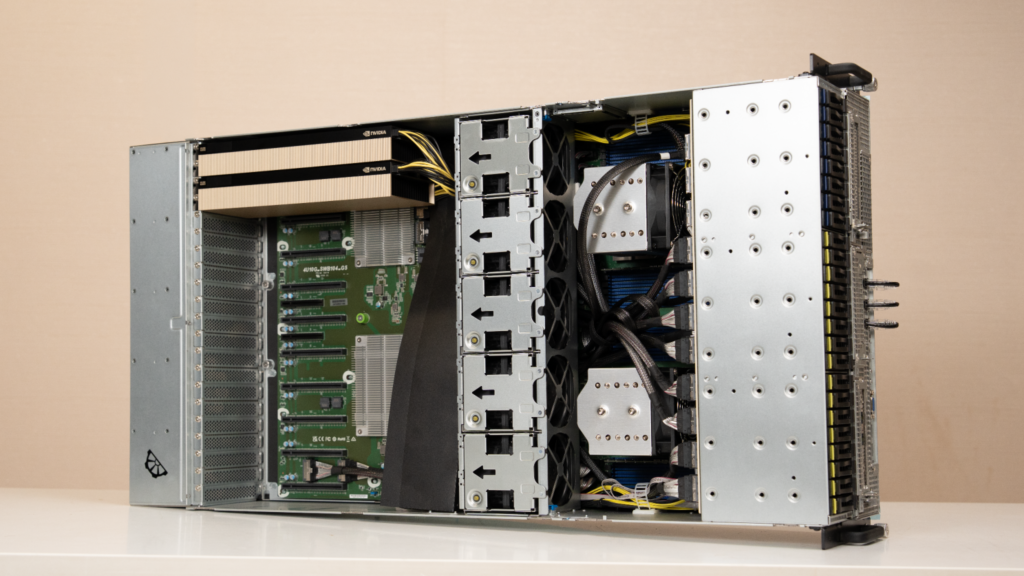
If you are training a localized text-to-speech model or running CFD calculations, Threadripper gets your work done natively. However, if you are building infrastructure to compete with large-scale generative AI providers, you need to step up to EPYC.
EPYC is engineered purely for density, continuous 24/7 background operation, and massive I/O throughput:
- Dual-Socket Scaling & PCIe Density: EPYC unlocks multi-socket configurations, which pushes your available lanes into the high 100s. This layout supplies the direct-to-CPU lanes needed to feed 8 enterprise GPUs alongside multi-hundred-gigabit NICs for cluster interconnects.
- 12-Channel Memory Expansion: EPYC motherboard architectures support 12-channel memory configurations per socket, easily scaling well beyond 6TB to over 12TB of system RAM.
- Zero-Idle Pipelines: In massive database or virtualization deployments, this expanded memory bandwidth ensures your GPUs and CPU cores never sit idle waiting for data transfers.
The Trap of Overspeccing
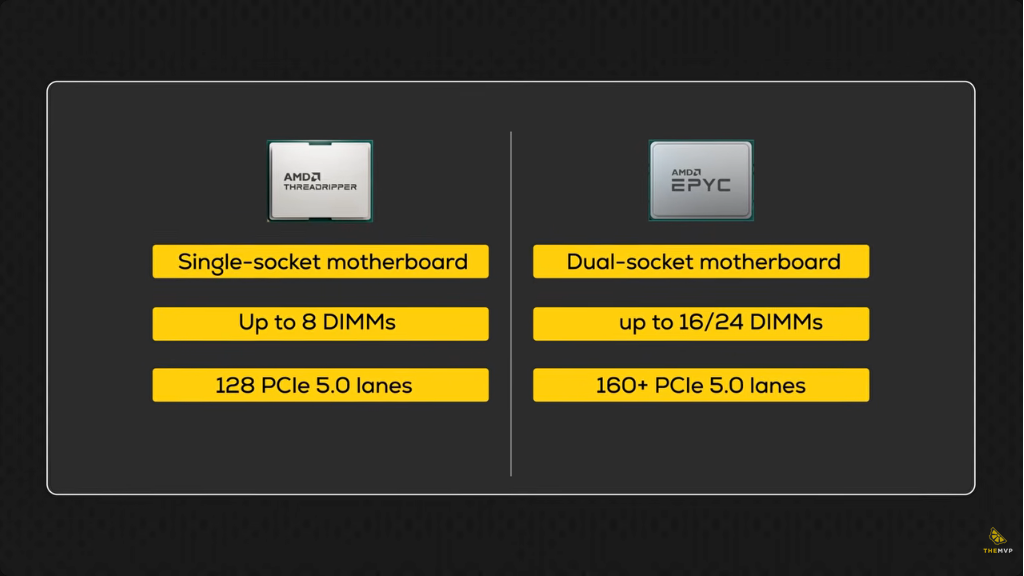
Despite the extreme capabilities of EPYC, defaulting to it for every use case is a costly mistake and you might just be better off with a threadripper
- Lower Clock Speeds: To maintain safe thermal limits within high-density 1U or 2U server racks, EPYC CPUs run at significantly lower base and boost clock speeds, often ranging between 2.0 GHz and 3.7 GHz.
- Inferior Interactive Performance: If you drop an EPYC processor into a desktop workstation for active single-threaded engineering or local IDE coding, it will actually feel slower and perform worse than a higher-clocked desktop CPU.
- Software Licensing Taxes: Database and enterprise software vendors frequently charge licensing fees on a per-CPU-core basis. Deploying a 128-core EPYC for lightweight workloads can trigger massive recurring licensing costs for compute power that you are not even using.
The Rule of Thumb: Only step up to EPYC if your workload explicitly demands more than 2TB of RAM, requires more than 4 GPUs in a single node, or high-density storage.
Still Confused? (It’s okay)
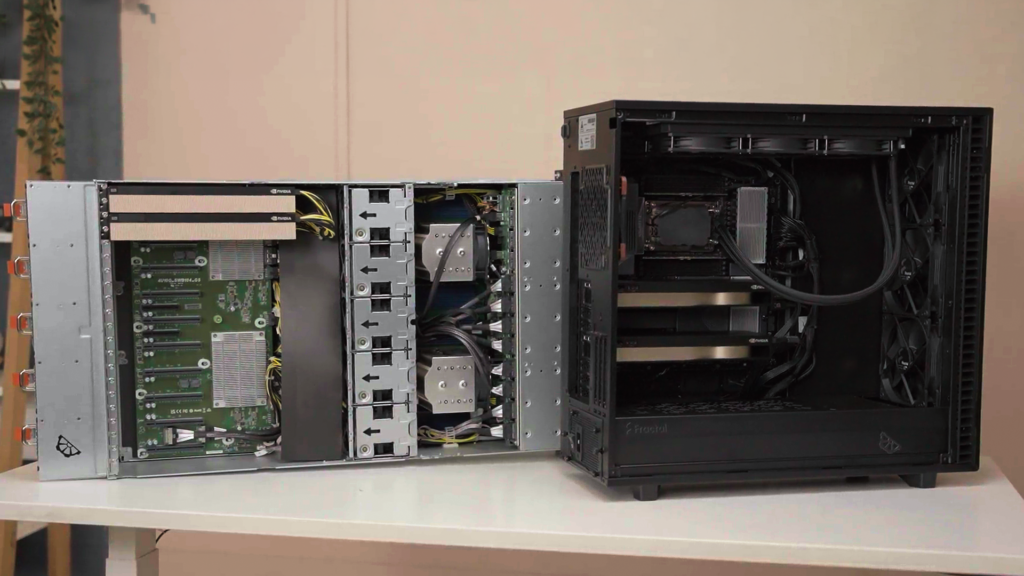
If you are still unsure which side of that threshold your current workload falls on, you do not have to figure it out alone. Reach out to our engineering team or visit our website to map out your infrastructure needs before you buy.
Until next time, cheers!