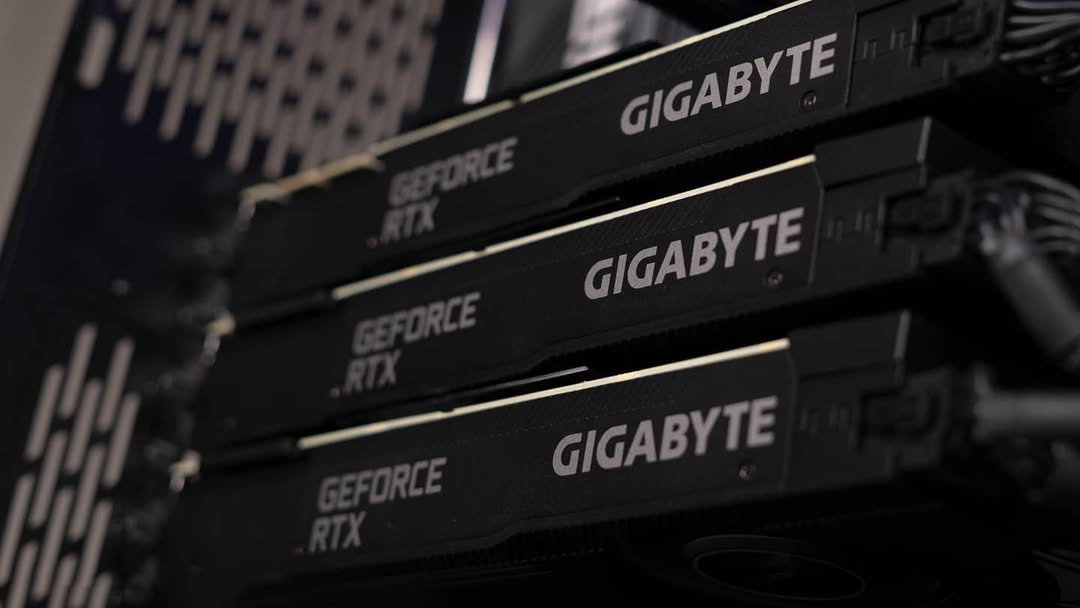
If you were building a high-end PC twelve years ago, the dream was simple: grab two matching graphics cards, bridge them together, and enjoy roughly double the performance. Today, that “SLI dream” is not relevant, so it begs the question; Does a multi-GPU setup actually make sense in 2026?
Well the answer entirely depends on your specific usecase, here is how to tell which side of the line you’re on but before that lets understand-
What even is a Multi-GPU setup?
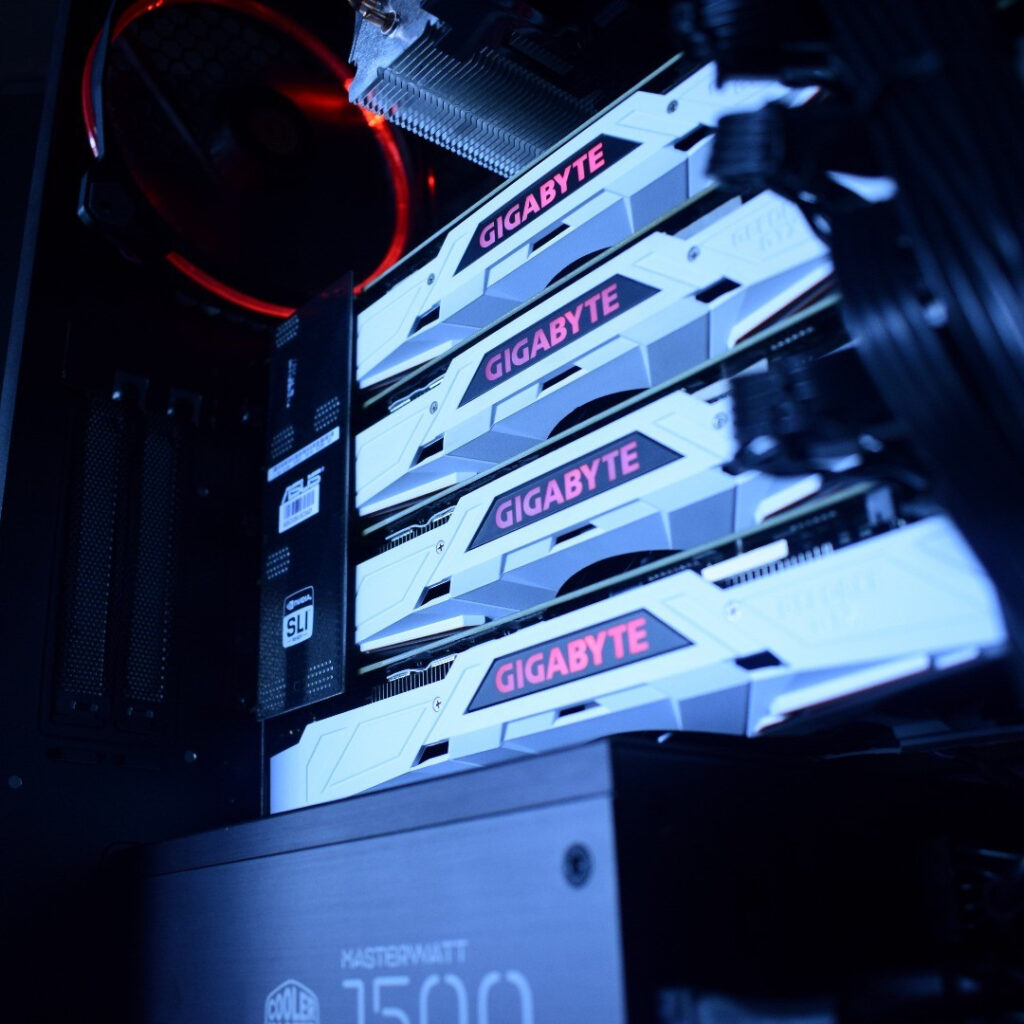
Multi-GPU PCs is instead of the default singular card for computing, you would now use multiple cards for essentially doubling the performance, but there is a problem with that:-
Past generations of cards “talked” to each other through an external bridge and communicated even to render a single frame. Today, software sees multiple GPUs as independent workers. If your software isn’t coded to assign tasks to “Worker B” while “Worker A” is busy, that second card will literally sit there, drawing idle power and producing heat without contributing even a little bit.
So we have divided it on a few broad use cases –
Where to Avoid It: Don’t Waste Your Money
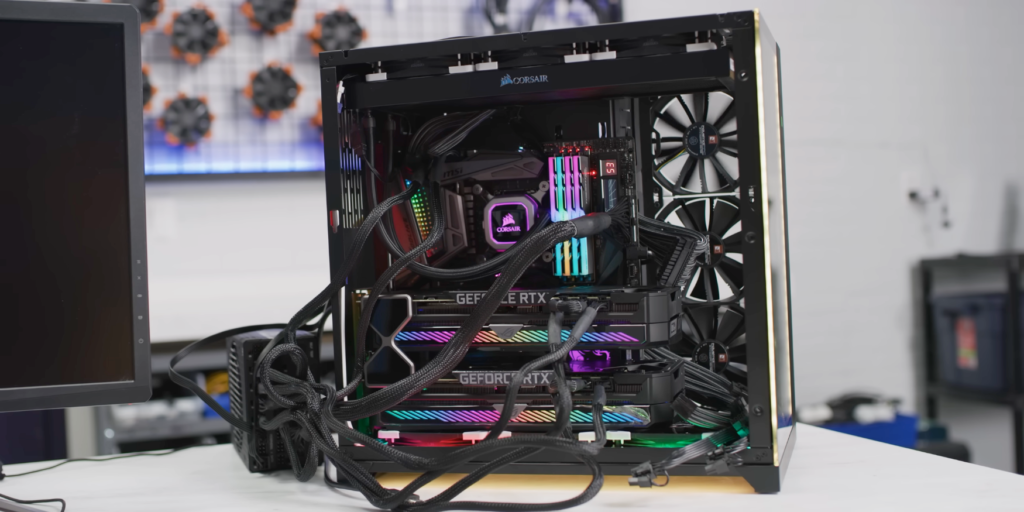
If your primary focus is on the following, a second GPU is essentially a paperweight:
- Gaming: Support for multi-GPU (SLI/Crossfire) has been stripped from almost every modern engine. In many cases, adding a second card can actually lower your framerate due to micro-stuttering and driver overhead.
- Architecture & CAD: Programs like AutoCAD, Revit, and SolidWorks are notoriously “single-threaded” on the CPU and typically only utilize one GPU for the viewport.
- Standard Video Editing: While DaVinci Resolve is the exception (it loves extra GPUs), Premiere Pro and basic 4K timeline editing rarely see enough benefit from a second card to justify the cost.
Where it Works: Not a complete waste
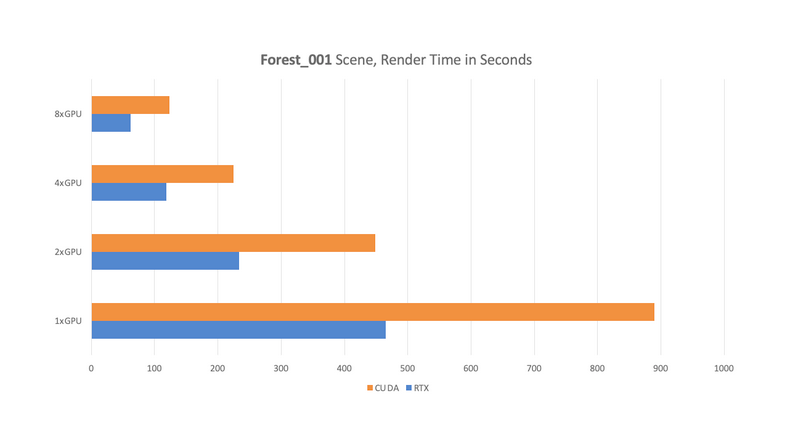
For these specific users, doubling your GPUs often means literally doubling your productivity:
- 3D Rendering: Engines like Blender (Cycles), Octane, and V-Ray scale almost perfectly. If one card renders a frame in 60 seconds, two cards will do it in about 31.
- Local AI & LLMs: Running massive Large Language Models or Stable Diffusion batches requires VRAM. Two cards allow you to load much larger models into memory that a single card simply couldn’t fit.
- Scientific Simulation: Complex physics or molecular modeling (like Ansys) can offload massive math blocks to multiple GPUs simultaneously.
The Big Caveat: The “One-Card Rule”
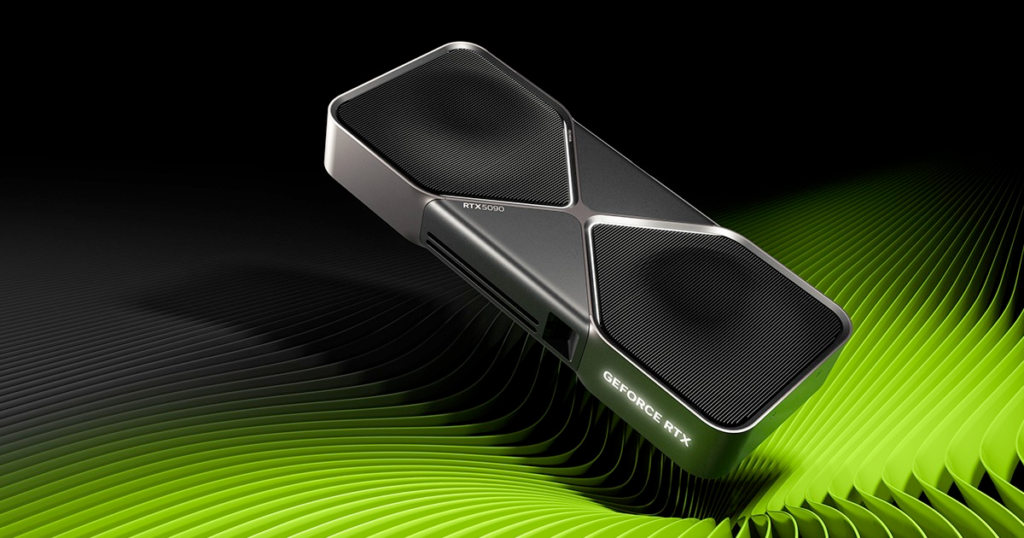
Before you buy something like two RTX 5080s, consider this: One top-tier GPU (like an RTX 5090) is almost always better than two high tier cards.
Because hardware interconnects (bridges) are gone for consumer cards, the GPUs communicate through the motherboard. This creates a bottleneck. A single, more powerful card with more VRAM is more stable, uses less power, and is compatible with 100% of software, whereas a dual-card setup is only a handful of applications.
Some Pre-Requisites:
Even if you’ve confirmed your software scales with multiple GPUs, you can’t just plug them into a PC. You need to verify the other parts first:
- Check the Motherboard Bandwidth

Mainstream CPUs (like Intel i9 or Ryzen 9) have limited PCI lanes because they are inherently designed for a single GPU. If you plug in two cards, the motherboard often cuts their speed in half (x8/x8 or even x8/x4). For full performance, you often need a Threadripper or Xeon platform but some high-end consumer motherboards might also support it.
- Check Power Requirements

Two modern high-end GPUs can easily pull 600W-800W on their own during a render. You’ll need at least a 1200W-1500W Platinum-rated PSU to handle the transient power spikes safely.
- Check Thermal Headroom

Modern GPUs are 3 or 4 slots thick. If you put two on a standard motherboard, the top card will have less than an inch of breathing room, leading to “thermal throttling”. You will need a case with ample room for airflow plus sufficient fans.
Verdict
For 90% of users, the smoothest experience is buying the single most powerful card you can afford. But if you’re a 3D artist or an AI researcher, that second card might just end up providing a good ROI in a short period of time.Build for the software you use, not the look of the case.
Still confused? Give us a call and we are more than happy to help. We have been in this space for WHILE and just to tell you we have been building PCs for AI / Machine Learning in 2018 (years before the AI boom) with multiple-gpus and with over a decade of experience we can sort you out. Until next time, Cheers.