Have you ever found yourself nodding at a client, saying “just one more hour,” knowing full well your machine is choking on a 4K timeline? Or maybe you’re three hours deep into a grading session, and the moment you add temporal noise reduction, your playback drops to 3 frames per second.
That hiccup is money leaving your account.
So the question everyone eventually asks is: does throwing a second GPU at the problem actually help?
Short answer: yes, it helps. The longer answer has some conditions you need to know before you spend anything.
How Resolve actually uses your GPUs
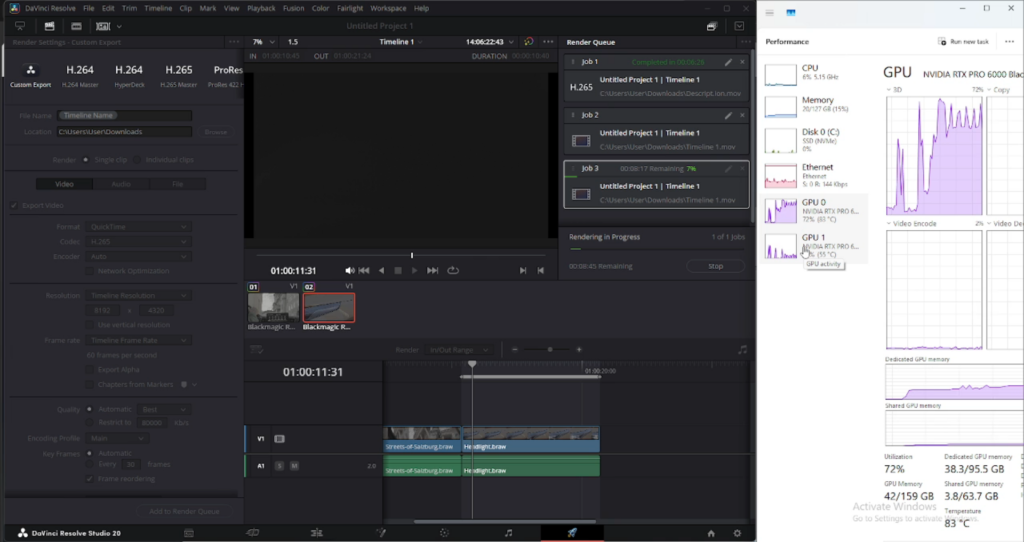
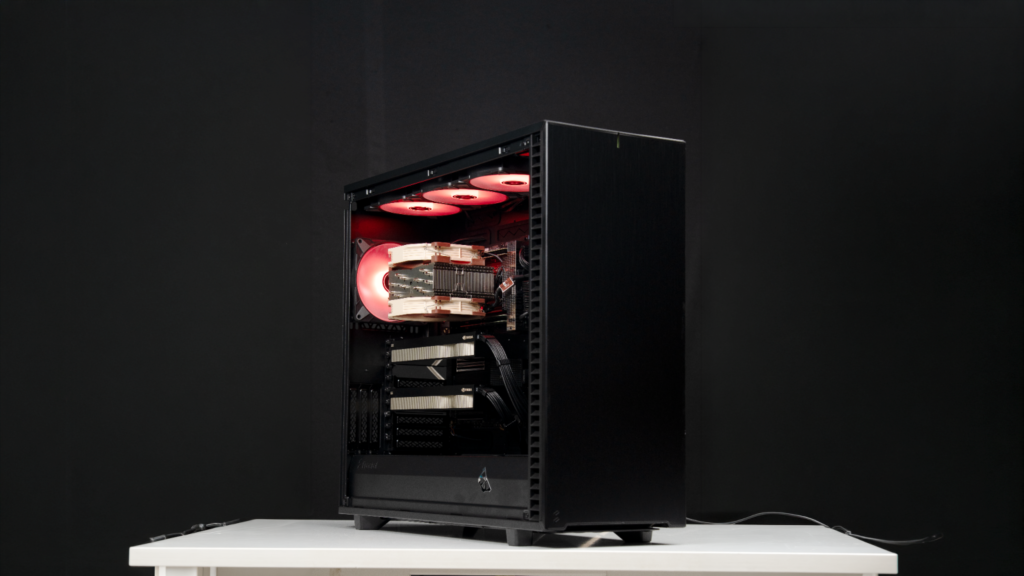
DaVinci Resolve doesn’t care about your CPU or RAM nearly as much as you think. During a render, CPU utilisation sits below 5%. The CPU is essentially watching from the sidelines while the GPU does the actual work.
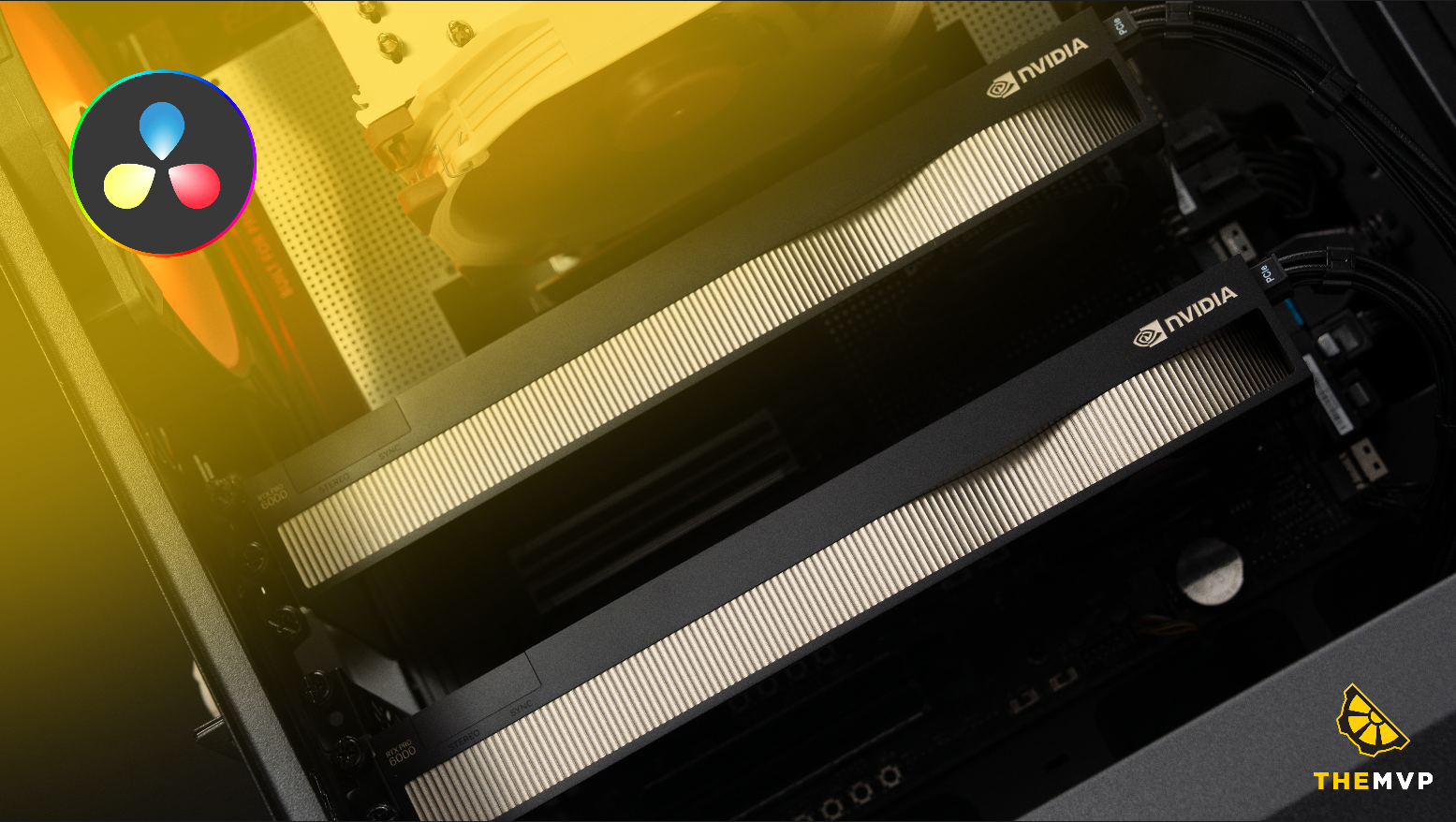
When you add a second GPU, Resolve distributes the processing load across both cards. More GPU compute means more frames processed in parallel, which means faster renders and smoother playback – especially once you start stacking colour science, noise reduction, and AI-based effects on top of each other.
One important thing to understand: Resolve doesn’t use your GPUs sequentially. It splits the work. Which means both cards are running at the same time.
Test Setup
We loaded a 1-minute clip of 12K uncompressed BRAW from the URSA Mini gallery. 8192 x 4320 project size. The node stack had two temporal noise reduction nodes, an AI depth map, a speed ramp, and retime scaling applied on top. Nothing too fancy- the kind of session a colorist working on a Tuesday afternoon would run.
We rendered the same timeline in two configurations and compared.
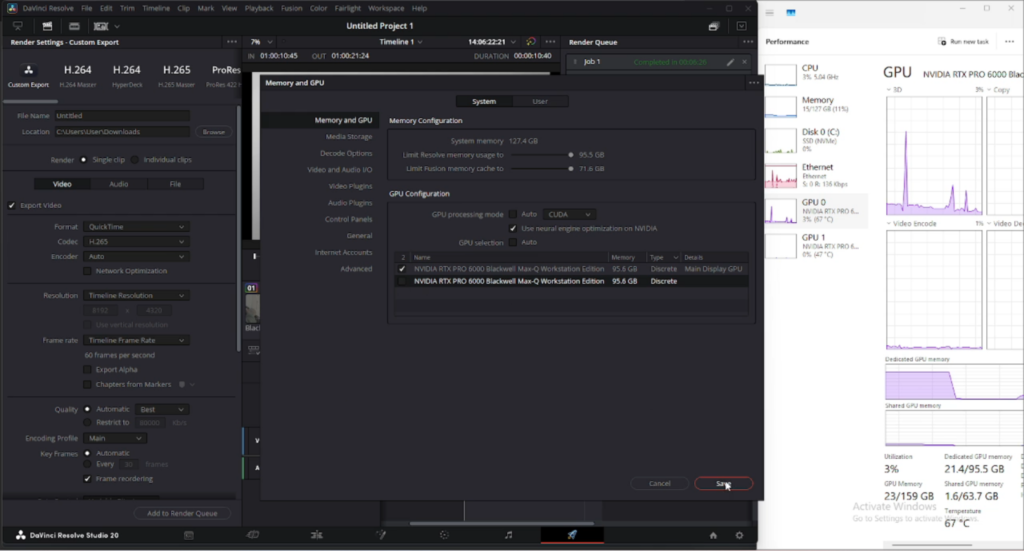
Single GPU
Render time: 6 minutes 26 seconds. Previews were noticeably slower at native resolution – workable, but you’d be reaching for the resolution dropdown. VRAM usage was higher and the card was being pushed.
Dual GPU
Render time: 4 minutes 36 seconds. That’s nearly 2 minutes faster on a single minute of footage. More importantly, native previews ran without dropping frames. The session felt different – the machine stopped being the bottleneck.
That’s a 28% reduction in render time on a one-minute clip. Scale that across a 10-minute grade with revisions, and the math starts making a strong case.
Where the second GPU actually makes a difference
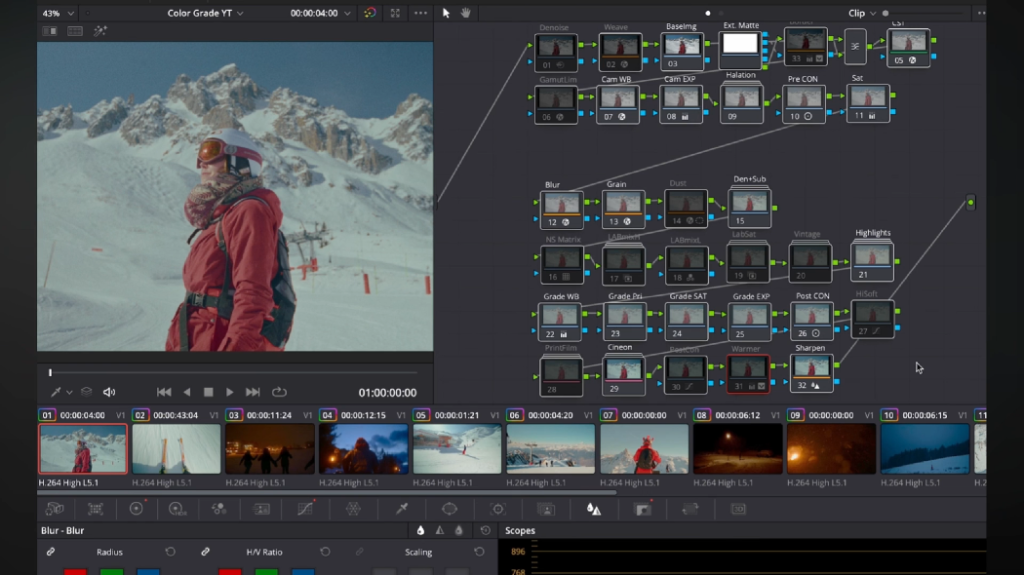
Temporal noise reduction is one of the most GPU-intensive operations in Resolve. It’s not a single-frame effect – it analyses multiple frames at once to remove noise without destroying motion detail. Running two NR nodes simultaneously asks a single GPU to do a serious amount of work.
Stack an AI depth map on top – which runs a neural network to infer depth from the image – and you’ve now got compute-heavy inference sitting on top of already heavy noise reduction. Every preview frame has to survive all of that before it reaches your monitor.
This is where the second GPU earns its place. Complex, multi-node timelines with AI effects, temporal processing, or both are the exact workloads that scale well across two cards.
Where it won’t move the needle much
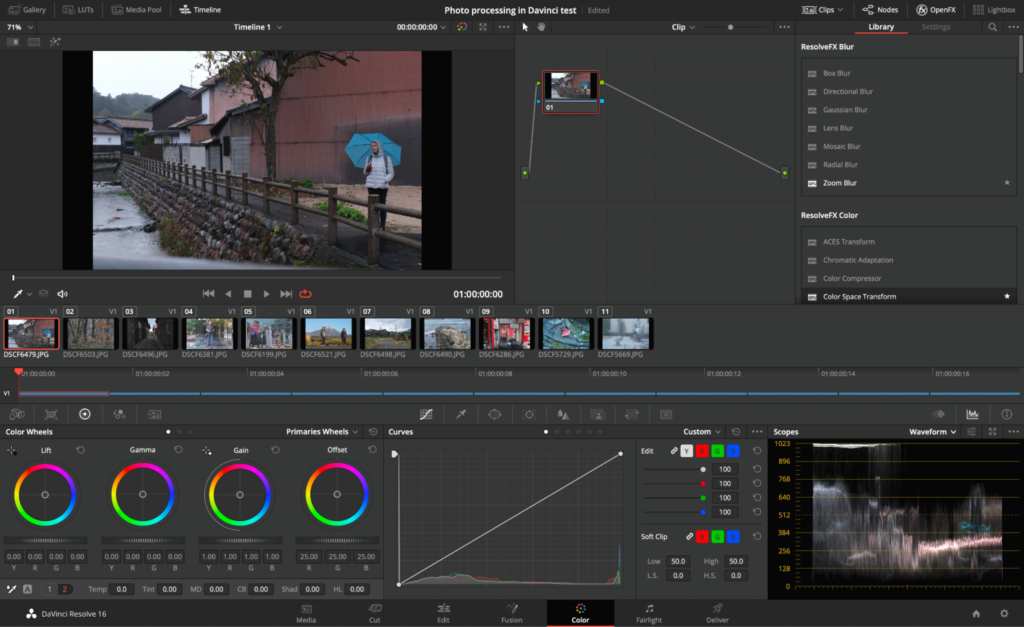
A simple grade – primaries, curves, a few qualifiers – is not particularly GPU-bound. One well-specced card handles it fine and a second card won’t change the experience in any meaningful way.
The same applies to SDR timelines, basic colour corrections, and anything without temporal or AI-based nodes. The gains from dual GPU are tied directly to how hard you’re pushing the GPU in the first place. If the first card isn’t close to its limit, the second one has nothing to pick up.
Note-
Your dual-GPU setup is only as fast as your slower card, and only has as much VRAM as your smaller card. Resolve distributes work across both – so if the cards are mismatched, the weaker one sets the ceiling and the stronger one remains underutilised.
The only configuration worth running: Same GPU, same VRAM.
So who should actually consider this
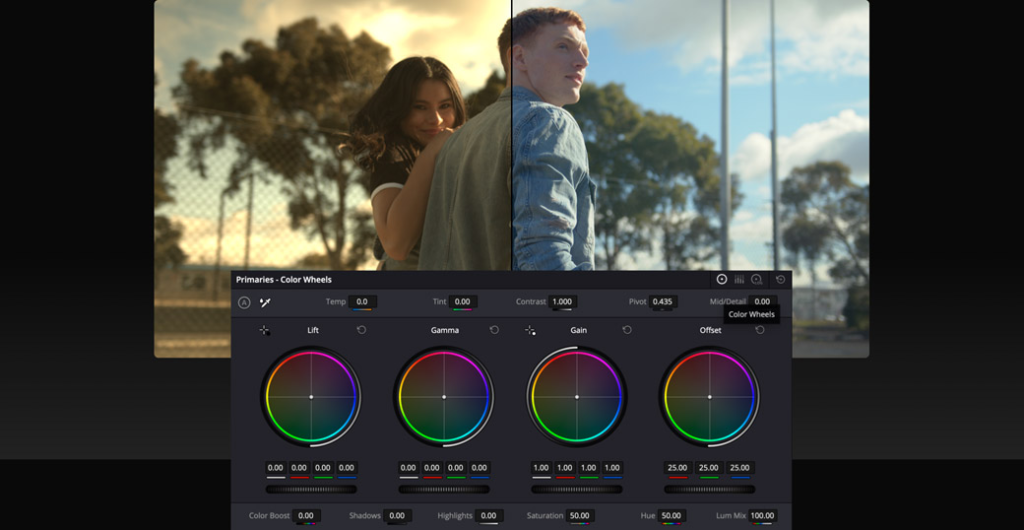
If your day-to-day is 4K timelines with standard grades, a single well-specced GPU is enough. You don’t need two cards.
The case for dual GPU becomes real once you’re regularly working with 6K or higher RAW footage, running temporal noise reduction as a standard part of your grade, or using AI-based tools like depth maps or face refinement on anything close to native resolution. That’s when one card starts becoming the bottleneck and the second one starts paying for itself in time saved per session.
Spec yours today

The numbers are clear: matched dual GPUs give you faster renders and smoother native playback on complex timelines. The 28% render time reduction on our test was consistent and repeatable.
The configuration requirement is strict though. Same GPU. Same VRAM. Different cards will leave performance on the table.
If you’re speccing a workstation for Resolve and want to know exactly which dual GPU configuration makes sense for your footage format and node stack, that’s exactly what we build for.