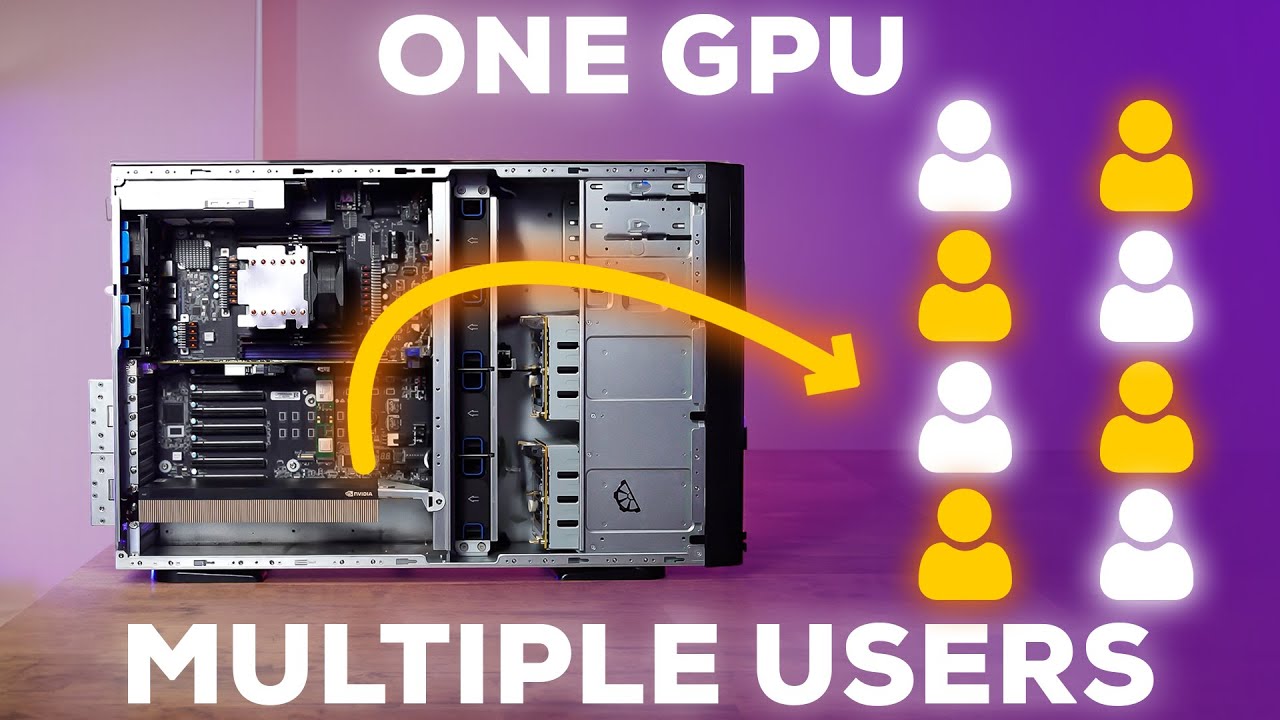
A vGPU (virtual GPU) is a technology that lets one physical GPU be split into multiple independent virtual GPUs. Each virtual GPU can be assigned to a separate virtual machine (VM), so different users or teams get dedicated GPU acceleration inside their own isolated environment.
Instead of buying and maintaining many separate GPU workstations, a business can run a centralized vGPU server and allocate GPU power to users as needed.
How vGPU Works in Simple Terms

- You install a supported NVIDIA data-center GPU in a server.
- The GPU is partitioned into multiple virtual GPU profiles.
- Each profile is attached to a VM.
- Users connect to their VM over the network and use GPU-accelerated apps as if a GPU is inside their own machine.
This setup improves:
- Performance consistency: GPU resources are allocated per VM
- Security/isolation:Separates all the VMs
- Resource utilization: one GPU serves more users efficiently
Why Choose a vGPU Server Instead of Multiple Single-GPU PCs

1) Cost efficiency
A vGPU server can reduce the total hardware you need:
- Fewer physical GPUs overall
- Fewer full systems (CPU, motherboard, case, etc.)
- Potentially less duplicated RAM and storage across many machines
Managing 10 separate systems (10 CPUs, 10 OS installs, 10 sets of components) is expensive and operationally heavy compared to one server designed for multi-user access.
2) Centralized management
One server is simpler to manage than many machines:
- Centralized updates and maintenance
- Easier monitoring and troubleshooting
- Standardized environments for teams

3) Scalability
As requirements grow, you can scale by:
- Adding more users/VMs
- Adjusting vGPU allocations per user
- Expanding the server when needed, instead of adding many new desktops
In practice, scaling often becomes a provisioning change rather than a full “buy another workstation” cycle.
4) Security
Centralization usually improves control:
- Better access control and policy enforcement
- Data stays in the data-center/server environment
- Reduced risk from data spread across multiple endpoint machines
Example: NVIDIA A40 as a vGPU Workhorse

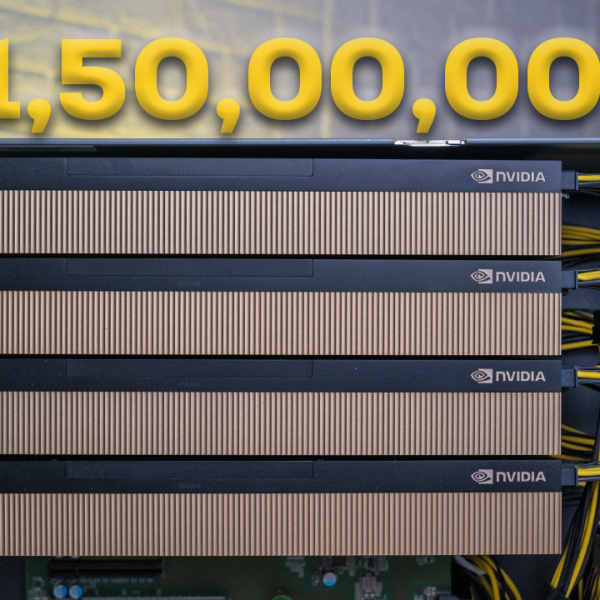
One example configuration uses an NVIDIA A40. It’s built for demanding workloads and is commonly positioned for heavy professional use cases such as:
- Design and engineering workflows
- Video editing and content production
- VFX pipelines
- Machine learning workloads (depending on software and allocation strategy)
It combines high compute capability with substantial onboard memory, making it suitable for multi-user GPU sharing in a server setup.
What You Need to Build a vGPU Server

A proper vGPU server isn’t just “put a GPU in a server.” It needs balanced infrastructure:
- Powerful CPU (to handle multiple VM workloads)
- Ample RAM (VM memory adds up quickly across users)
- High-speed storage (fast OS + project access; often NVMe-based)
- Strong networking (multiple users working remotely depends on stable bandwidth and low latency)
- NVIDIA software stack for vGPU provisioning and management (the control layer that enables and allocates vGPU profiles)
Real-World Challenges to Plan For

A vGPU server can be high density, which introduces practical build and deployment problems:
- Cooling and airflow (data-center GPUs and dense servers generate serious heat)
- Noise management (server-grade cooling can be loud outside a rack/server room)
- Integration reliability (making sure the whole stack works together: hardware, hypervisor, drivers, profiles, user experience)
These are build-quality issues, not theoretical ones. They decide whether the system runs stable under load.
Where theMVP Fits In

We build high-performance vGPU servers tailored to workload needs (editing, VFX, engineering, ML), including the component selection and the full integration required for a stable multi-user server environment.
They also mention operations across Hyderabad, Bangalore, Delhi NCR and Mumbai