Most businesses run fine for years on a few good PCs and a shared drive. Then the files start multiplying, the cloud bill keeps climbing, or one render locks up the only fast machine in the office. So when do you need a server?
Almost every server we’ve built was bought to fix one of five problems. If one of them sounds like your week, you need a server, and that problem tells you which kind.
What actually makes a server a server
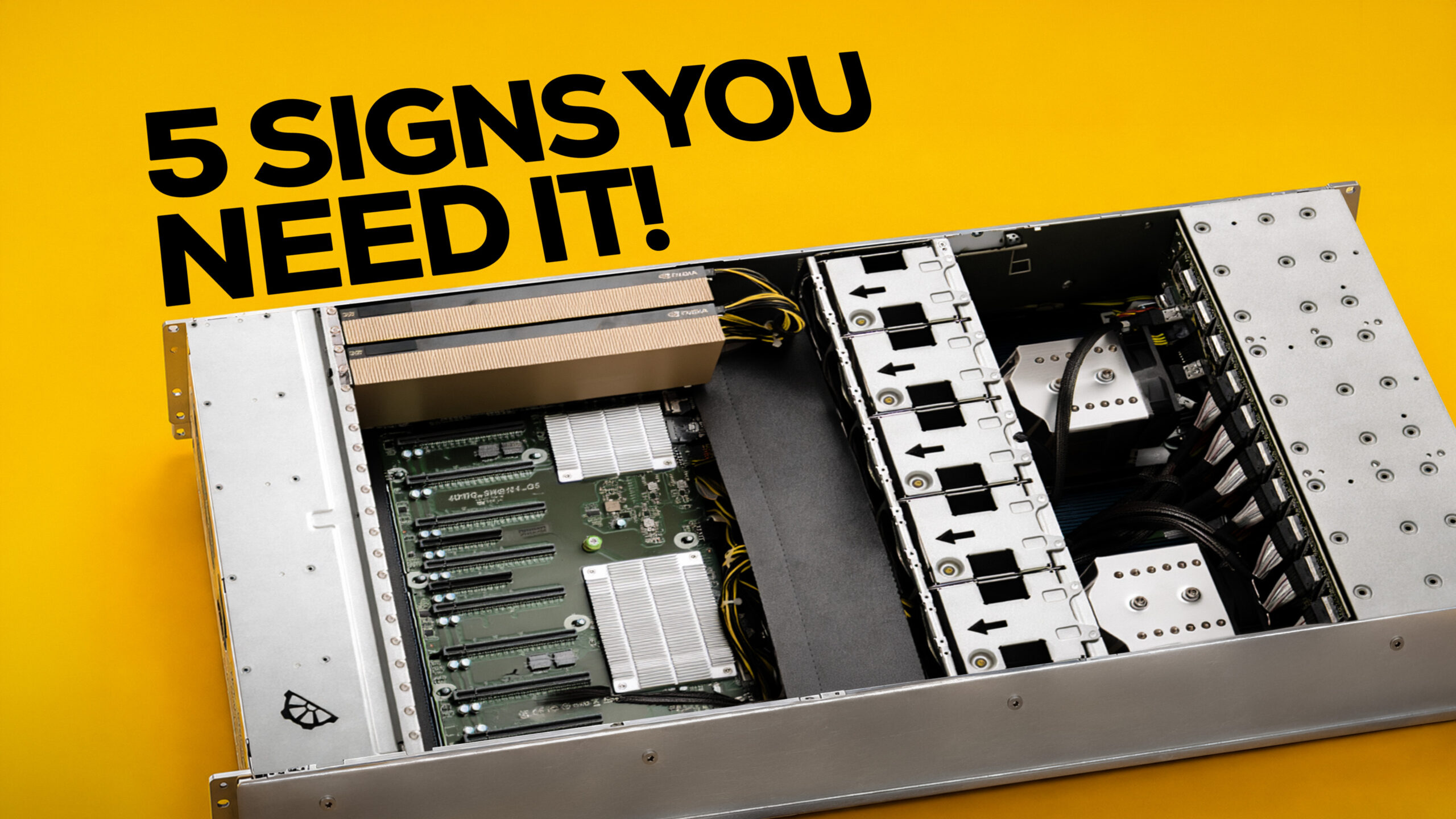
A server is a computer like any other. CPU, motherboard, RAM, storage. The difference is the job. A PC serves one person. A server answers requests from a whole team, sometimes a whole building, and keeps doing it for months without a restart.
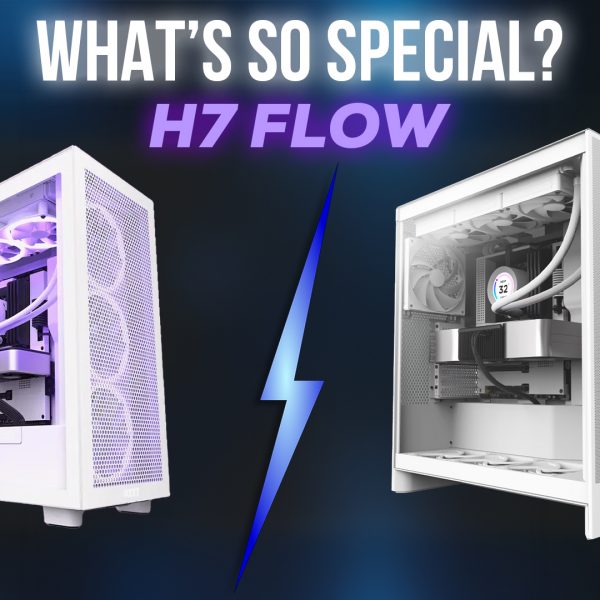
It also doesn’t have to sit in a rack in a cold room. We’ve put servers under desks, on top of desks, in the middle of open offices and in an intern’s bedroom. The shape is packaging.
On the hardware side, four parts usually give a server away:
- ECC memory: catches and fixes memory errors before they corrupt a file or crash a job that’s been running for three days.
- Redundant power supplies: if one PSU dies, the second keeps the machine up.
- Hot-swap drive bays: a failed drive comes out and a new one goes in while everyone keeps working.
- Remote management (IPMI/BMC): IT can monitor, reboot or reinstall the box from anywhere, even when the OS won’t boot.
Problem 1: Too many hands
A team works on the same project and the files start travelling. To laptops, to external drives, to WhatsApp. A week later there are four versions of the final file and nobody knows which one the client approved.
A storage server gives everyone one copy to work from, live, over the network.
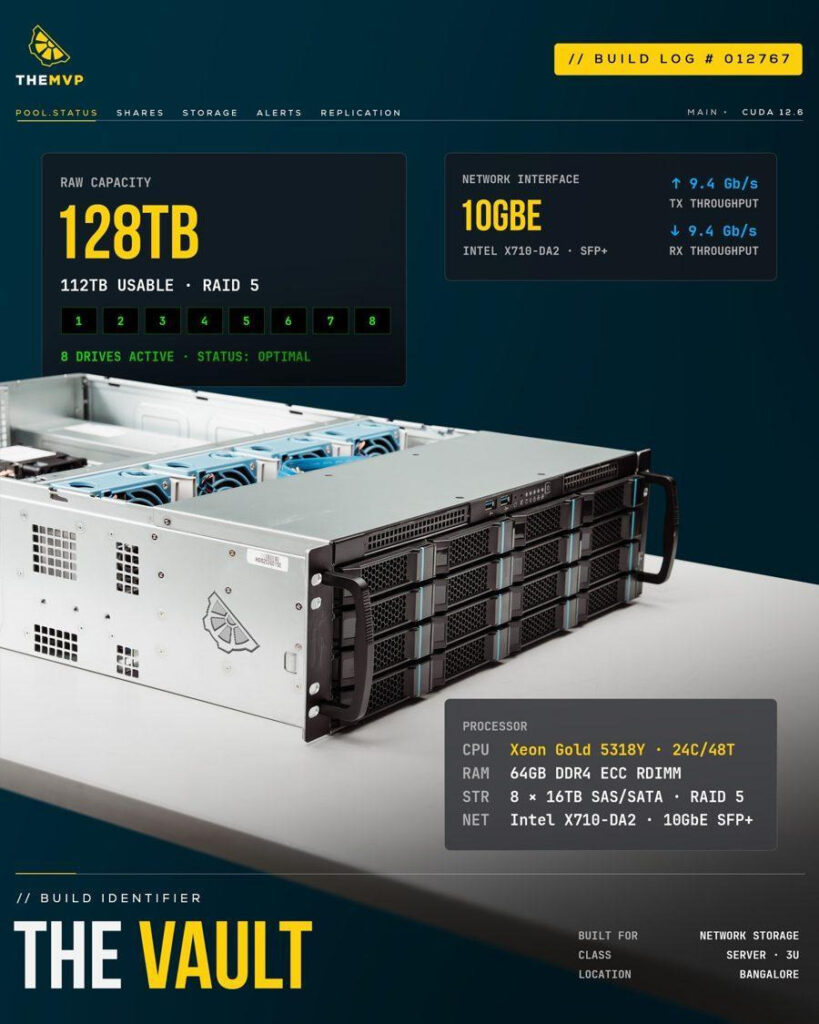
We built one for a film studio where fifteen VFX artists work off the same storage:
- 8 x 16 TB drives: 128 TB raw, 112 TB usable.
- RAID 5 on an LSI 3108 controller: one drive can fail and nothing is lost.
- Dual 10GbE: fifteen people pull footage at once without queuing for it.
- Xeon Gold 5318Y, 24 cores, 64 GB DDR4 ECC: handles file serving and the RAID for the whole floor.
Problem 2: Control
Some data can’t leave the building. A client may have written that into the contract. It might be confidential research, product designs, or source code the company wants on its own machines.
Sometimes it’s the law. RBI has required payment data to be stored only in India since 2018. The DPDP Act and its 2025 Rules bring most of their data-handling duties into force by May 2027. Anyone working with US patient records answers to HIPAA. Each of these asks the same two questions: where does the data live, and who touched it?
If you want to train AI on that data, the hardware has to be on-site too.
That was the brief from a petrochemical company we worked with. A lot of private plant data, an AI model to train on it, and none of it allowed out. We built them a server with four data center GPUs:
- 4 x NVIDIA H200 NVL, 141 GB each: 564 GB of GPU memory.
- 2 x AMD EPYC 9554: 128 cores to keep the GPUs fed.
- 2 TB system RAM.
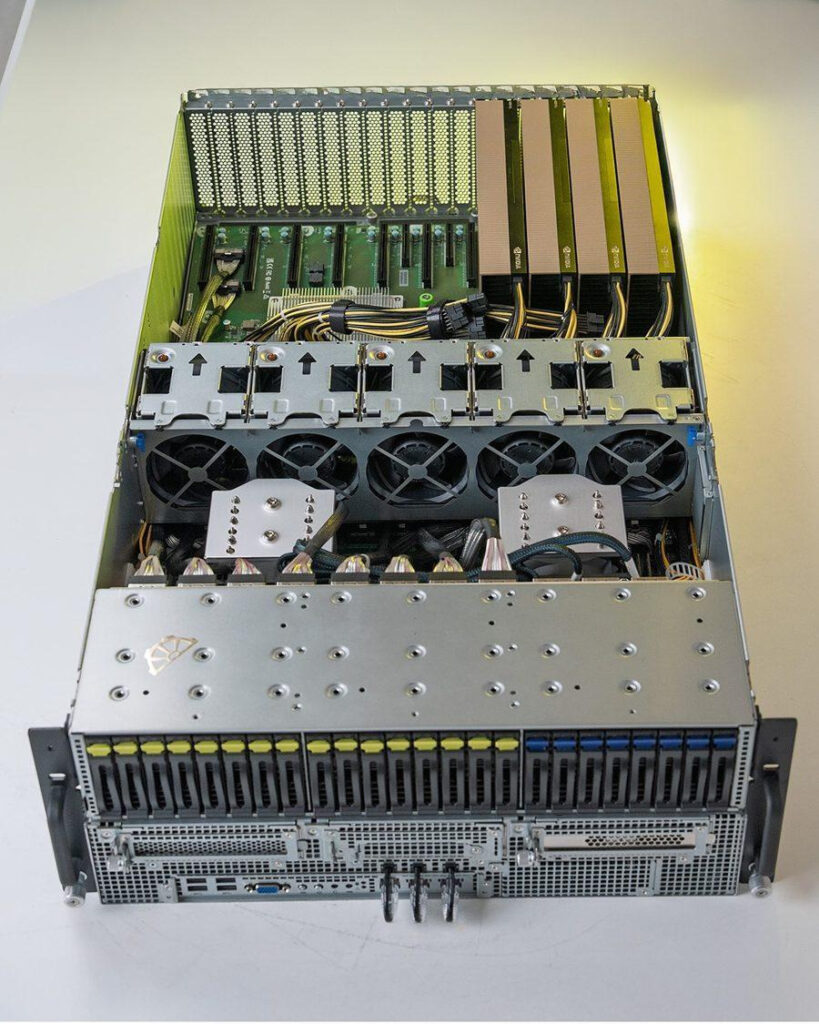
It came in at roughly ₹1.5 crore (at the time of building). The training runs at their site, on their data, on their own server.
Problem 3: Rent
Cloud makes sense when your usage is spiky. A small team, email and documents, a test that runs for one weekend.
It gets expensive when the load is steady. An AI model answering questions all day, or a pipeline that never stops, means a bill every month for a machine you’ll never own. Pulling your own data back out costs extra too, since most cloud providers charge for data leaving their network.
Owning flips that. You pay once, and after that the running cost is mostly electricity.
We built one for a client in Delhi who runs large language models in-house:
- 2 x NVIDIA RTX PRO 6000 Blackwell, 96 GB each: 192 GB of GPU memory.
- AMD EPYC 9554 on the CPU side.
- 256 GB DDR5 ECC.
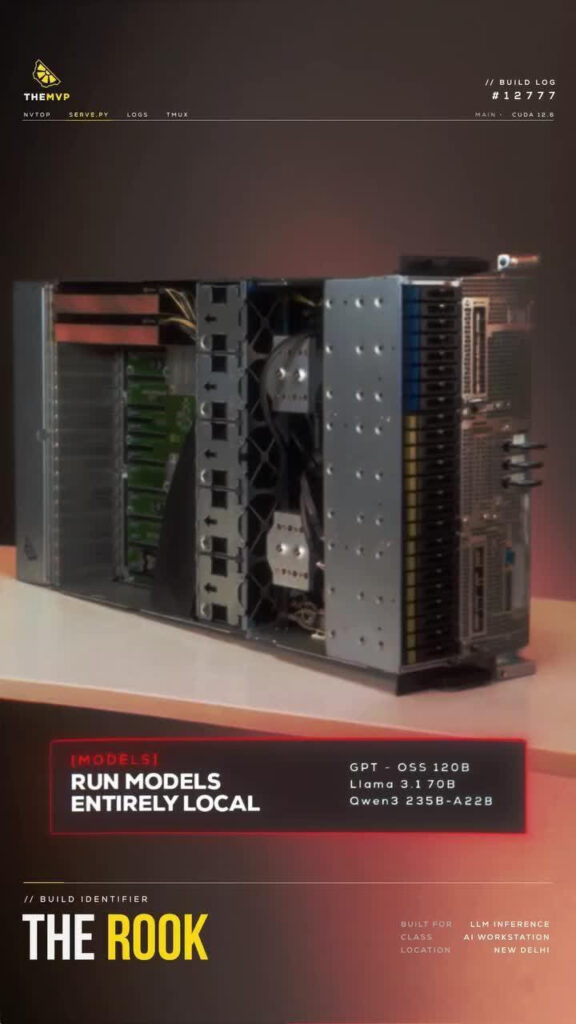
That’s enough to run models with over 100 billion parameters, quantized to 8-bit or lower, with no cloud bill at the end of the month.
Problem 4: Latency
Some workloads need as little delay as possible. Sending data to the cloud and waiting for the answer adds a round trip each time. On a factory floor, an alert is only useful if it arrives while someone can still act on it.
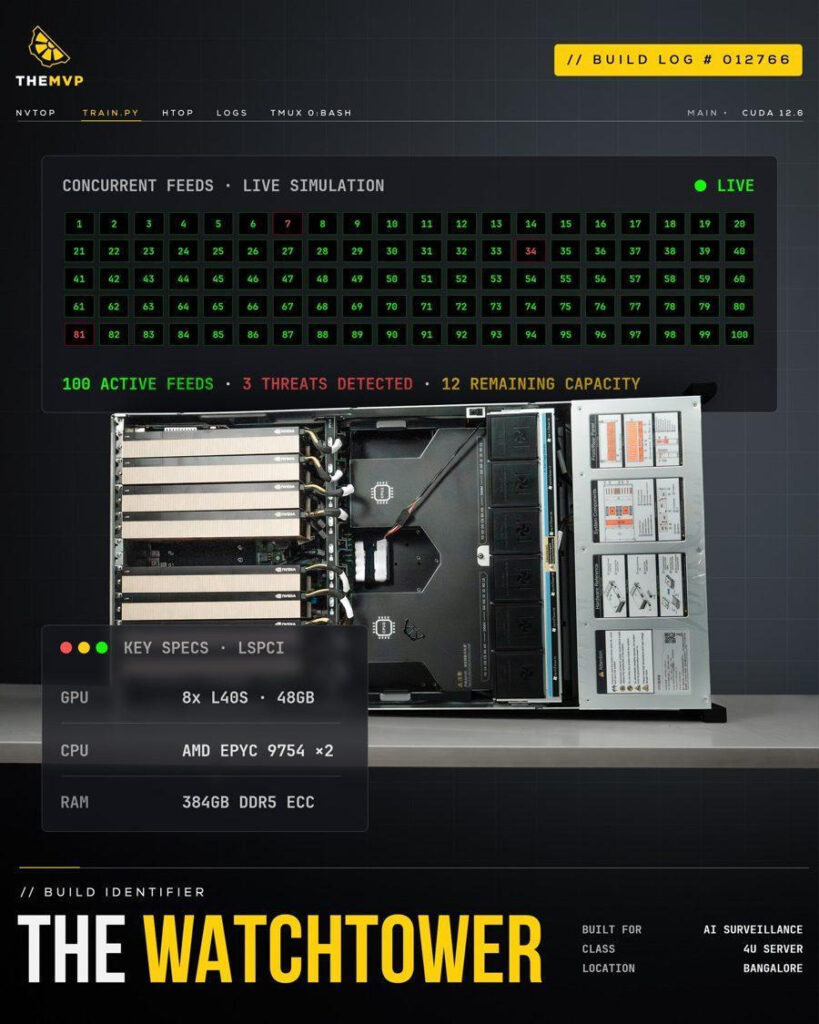
One client needed to analyse live camera feeds across an entire factory. An eight-GPU server on-site does it:
- 8 x NVIDIA L40S, 48 GB each.
- 2 x AMD EPYC 9754.
- 384 GB DDR5 ECC in a 4U chassis.
In our own testing, it handles about 112 camera streams at once.*
*theMVP benchmark: 14 streams per card, InternVL2-8B at FP16.
Problem 5: Time
Some jobs take a long time, and rendering is the classic one. While a render runs, it ties up the machine you need for your next task.
A dedicated render node gives your team somewhere to send those jobs, so they keep working while it chews through the queue.
We built a four-GPU machine for a 3D artist:
- 4 x NVIDIA RTX 5090.
- AMD Threadripper 9970X, 32 cores.
- 256 GB ECC RDIMM.
- Custom dual-loop liquid cooling, so four cards can run flat out without throttling.
A render that took ten minutes on one GPU now takes about two and a half. It sits in a home office. It’s still a serve.
MVP Spotlight
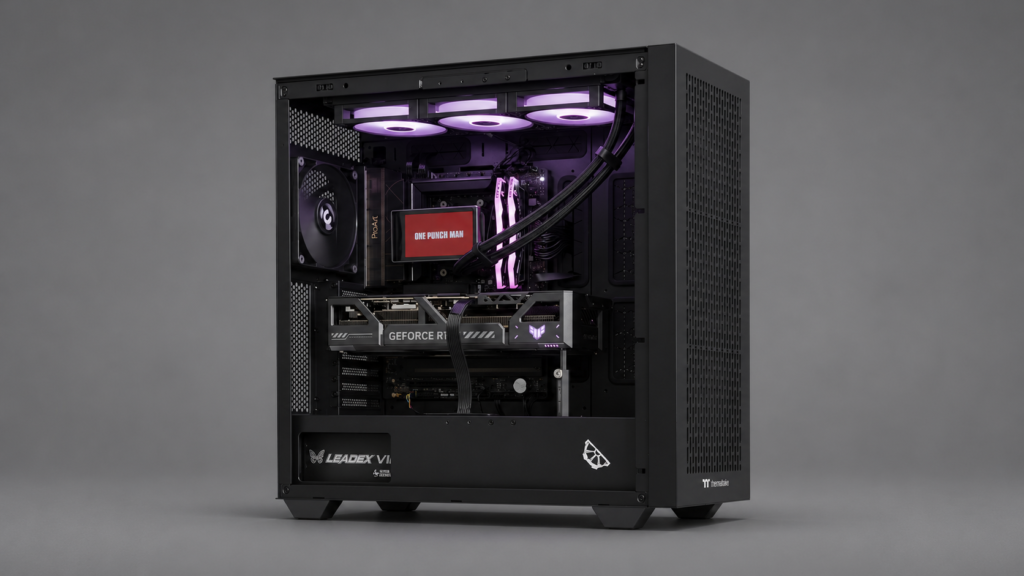
This week’s build went to a video editor in Kota. He’s been cutting video for years, all of it on a laptop, and every time he tried to learn VFX the machine gave up before he did. Filmmaking is where he wants to end up. VFX is the bridge, and the laptop kept knocking it down.
Compositing and simulation eat VRAM and RAM, and a laptop throttles long before a heavy render finishes.
- RTX 5090 TUF Gaming, 32 GB: heavy comps and GPU renders without running out of VRAM halfway through a shot.
- Ryzen 9 9950X, 16 cores: simulations and exports finish while he’s already on the next idea.
- 64 GB DDR5-6000 CL30: Resolve, After Effects and a 3D app open at the same time.
- 4 TB SN7100 NVMe + 4 TB Barracuda: live projects on fast storage, finished ones archived beside them.
- 360 mm liquid cooler and a 1200 W Leadex VII: cool and stable through overnight renders.
If your work has outgrown your laptop, build yours at themvp.in.