
We have gotten used to people calling us and saying “I need an AI workstation.” It sounds like a simple request, but it’s actually impossible to
Generalizing it as an “AI PC” is a trap because artificial intelligence workloads split into two completely different jobs that stress computer hardware in different ways.
If you get the split wrong, you’ll either burn a pile of money on a machine that is massively overbuilt, or you’ll buy something that is physically incapable to serve your workflow.
To figure out what you actually need, you have to understand if your workflow involves training or inference. The easiest way to think about it would be: Training is studying for the exam. Inference is showing up to do the job every day.
Let’s break down what that actually means for the hardware that you choose.
Training: Studying For an Exam
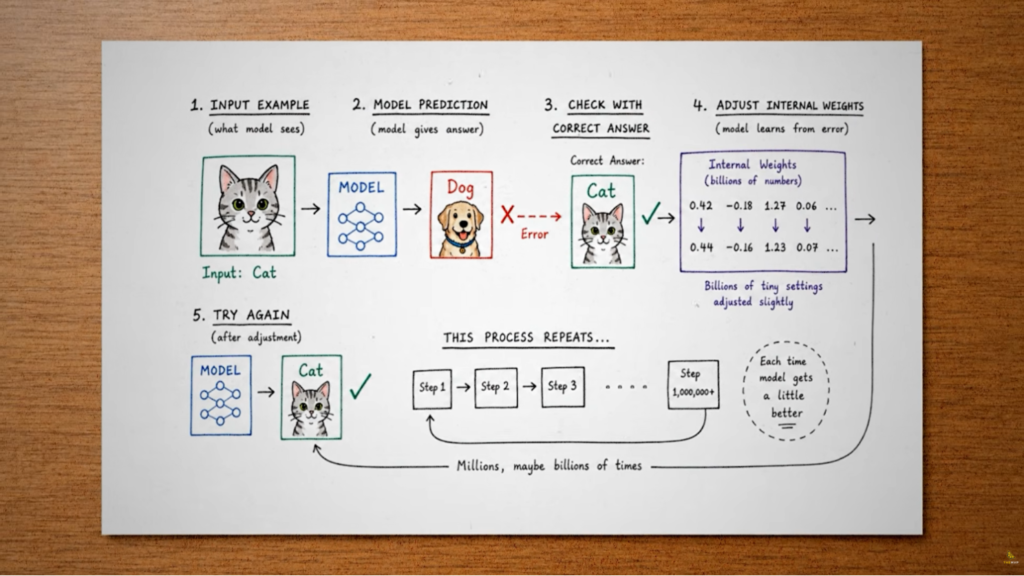
When you train an AI model, you are feeding it data, letting it make a guess, and then measuring how wrong that guess was. That error gets pushed backwards through the model’s layers to tweak millions, often billions of internal numbers (weights) slightly in the right direction.This cycle of forward guess and backward correction is called backpropagation.
It happens millions of times, and is brutal for your hardware. But the assumption that catches almost everyone off guard: People assume the memory a model needs is JUST the size of its weights.
If you have a 16GB model, a 16GB GPU should be fine, right? For training, absolutely not. During that backward correction phase, the GPU has to hold all of the following in its memory at theœ exact same time:
- The weights: The core numbers making up the model.
- The gradients: The data telling the system which way to nudge the weights.
- Optimizer states: Modern optimizers (like Adam) keep track of momentum, requiring two extra values per single weight.
- The activations: Intermediate results from the forward pass that the system needs to calculate the backward pass.
Add all that up, and training requires roughly four to eight times the memory of the model’s baseline weights. A model that sits nicely in 16GB of VRAM might demand well over 100GB to train. This massive gap is the number one reason people buy the wrong machine.
To pull this off, you need maximum compute, maximum VRAM, and if you are using multiple GPUs, you need to populate the PCIe lanes appropriately. When GPUs train, they have to constantly talk to each other to average out their data. If the PCIe lanes throttle, they spend half their time waiting instead of computing.
Because of this constant, heavy load, a true training machine generates serious heat. It usually lives in a server rack with heavy-duty cooling, not quietly under your desk.
Inference: Showing Up to Work
Inference completely flips the hardware priorities.
When you run inference, the model is already trained. The heavy lifting is done. The weights are frozen. Data only moves in one direction and an answer pops out. There is no backward correction, no optimizer states, and no error checking. Just answer, answer, answer.
Because the workload is lighter, the hardware requirements change entirely.
Your first priority with inference isn’t raw speed; it’s simply asking, “Does the model fit?” If your model’s weights don’t fit entirely into your GPU’s VRAM, the model then overflows into your normal system RAM.Once you know the model fits, you care about latency.
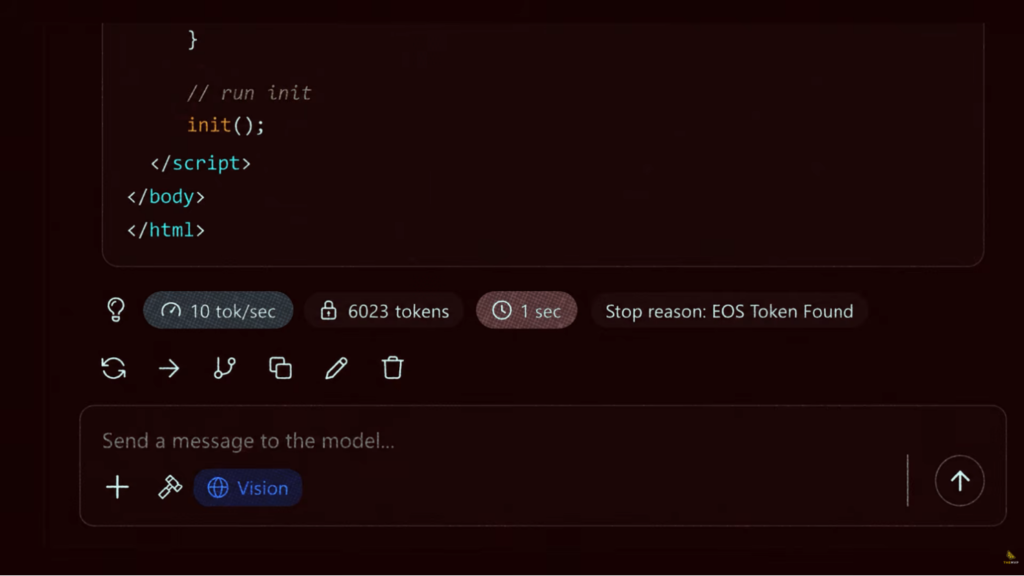
- Time to First Token (TTFT): How fast does the model start answering?
- Tokens Per Second: How fast does the text stream out once it starts?
Here is a hardware quirk specific to inference: One massive GPU almost always beats two smaller GPUs tied together. If you split a model across two graphics cards, they have to pass half-finished computations back and forth for every single word they generate. That hand-off adds latency. Keeping the entire model on one card eliminates the tax entirely.
Because inference is only doing the forward pass (roughly a third of the computing work compared to training), these machines sip power and run much cooler. This is the AI box that happily sits under your office desk without sounding like a jet engine.
Can One Machine Do Both?
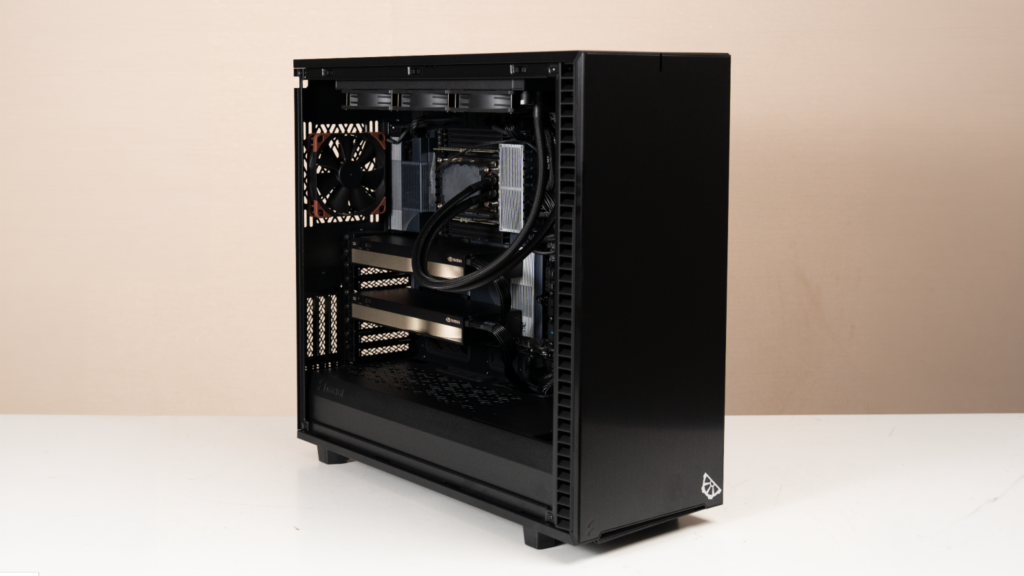
Naturally, you might be wondering why you can’t just buy one massive machine to handle both training and inference.
You can. For a solo researcher tinkering with small models, it’s often the most economical choice. But if you are building something for production, you have to understand the trade-off.
The second a training run starts, it hogs the GPU’s memory and compute. If you have an active inference service running on that same machine, say, a chatbot your customers are using; it will immediately slow to a crawl or crash.
Training is a heavy, temporary burst. Inference is a constant, ongoing heartbeat. If you are serving real users, you separate the two so your active product doesn’t go offline just because you decided to fine-tune a new dataset.
Before you spend a dime on an AI workstation or start comparing cloud subscription costs, figure out your workflow. Are you fine-tuning a massive model over three days, or are you hosting a live tool for 500 users? The spec sheet might just say “GPU + RAM” for both, but the workflow tells the truth.
But regardless of what you’re building theMVP builds training rigs that eat multi-day jobs without breaking a sweat, and inference systems tuned to stay up and fast under constant load.
Configure yours at themvp.in, or call 1800 309 2944 if you’d rather talk it through first.