While both Maya and Houdini may look similar on paper, but if you build a PC without understanding how these programs actually work under the hood, you could be throwing away thousands on hardware that sits idle.
Both software suites handle animation, lighting, and simulations, they are built on entirely different architectures. A machine that makes Houdini run smoothly might leave Maya sluggish during an animation sequence.
To get the most value for your investment, you have to look under the hood at how these tools utilize your CPU, GPU, and memory.
Houdini – CPU
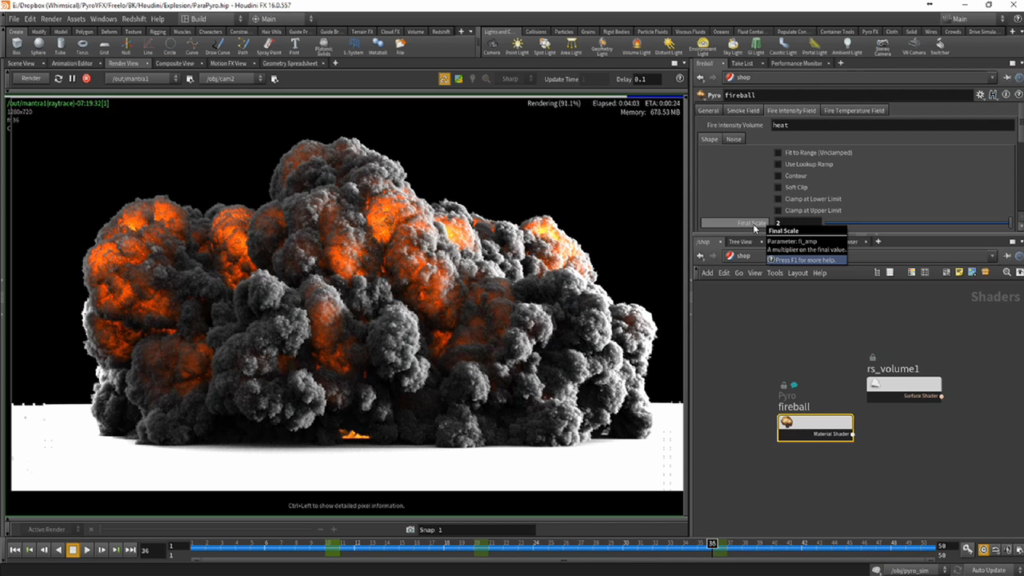
When you are working in Houdini, your processor and your RAM are the ones being utilized the most. Houdini uses procedural processing, and most of that heavy lifting happens within the CPU.
Many artists make the mistake of overspending on a high-end graphics card for Houdini, but the reality is that the GPU is primarily responsible for displaying the viewport. Unless you are heavily utilizing a third-party GPU-based renderer like Redshift or V-Ray, a massive video card will not actually speed up your simulation times. For most Houdini users, an RTX 5060 or a 5060 Ti is more than sufficient for a smooth workspace.
Components you should be spending on instead:
- System RAM: You will want at least 64GB for standard simulations. If you are diving into large-scale environments or complex pyro effects, you should be looking for more but considering the current market it cost a pretty penny,
- The Processor: High core counts and fast clock speeds are what will actually reduce your cook times and make the software feel responsive.
Maya – GPU
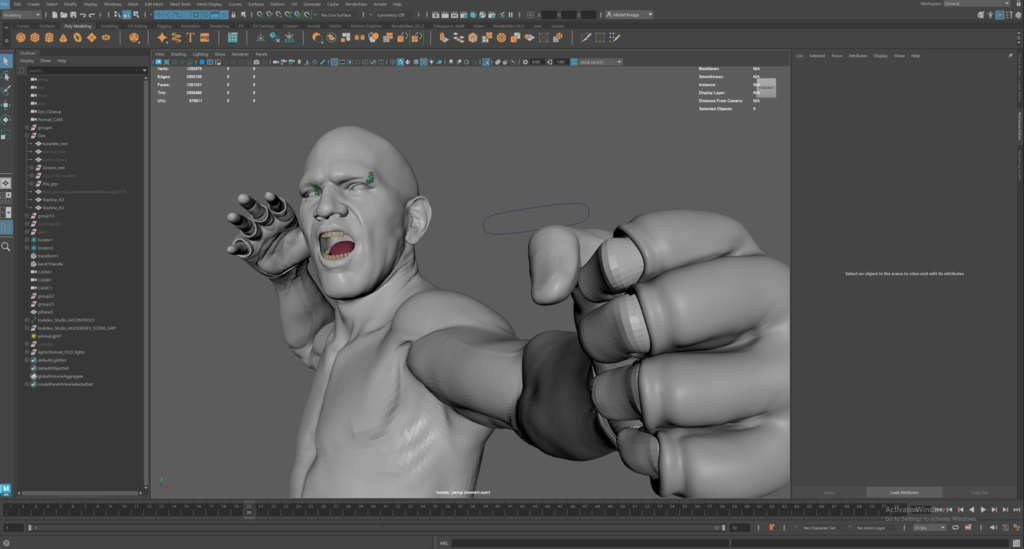
Maya operates fundamentally differently. In the Maya ecosystem, your graphics card plays a much more vital role in the day-to-day process. The video card is directly responsible for the frames per second you see while interacting with your models.
If you are working with high-poly meshes or complex character rigs, a weak GPU will result in a stuttering, frustrating experience. To maintain a professional workflow with high FPS, you should be looking at an RTX 5070 Ti or higher. This ensures that as you move around your model, the feedback is instantaneous and fluid.
For those working in a dedicated studio environment, the industry standard often shifts toward NVIDIA Quadro cards. Autodesk specifically recommends these professional-grade cards for their stability and certified drivers, which can be critical when you are facing tight production deadlines.
Different Logic for Different Results
On the surface, these two programs look like they work similarly. But that’s only the end output, but because they were programmed with different priorities, they require custom-tailored environments.
Building a “one size fits all” PC often leads to bottlenecks where one expensive component is held back by another. Houdini thrives on memory capacity and raw computational logic, while Maya demands a high-end visual pipeline to keep the viewport responsive.
Where we come in
We have been building high-performance systems for over a decade, and we understand these nuances better than anyone. You should not have to guess whether your hardware will keep up with your workflow.
If you are looking for a workstation that is optimized specifically for your software of choice, you are already in the right place. We specialize in crafting these high-end configurations and shipping them all over India to ensure artists have the tools they need, because what is this planet but a random piece of rock without art?
Until Next time.